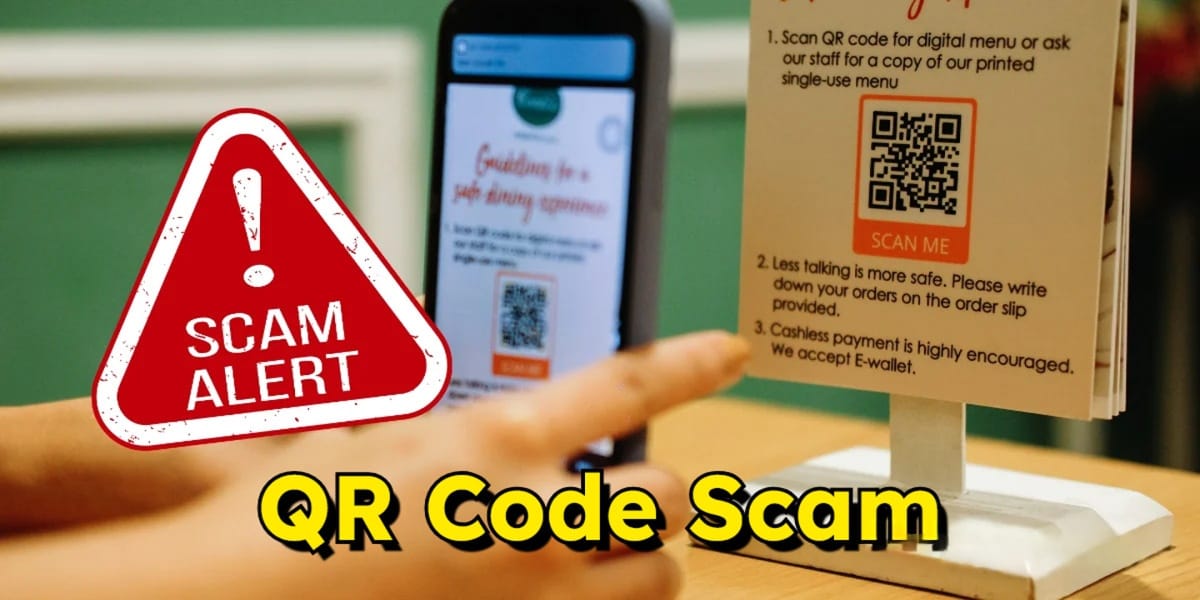
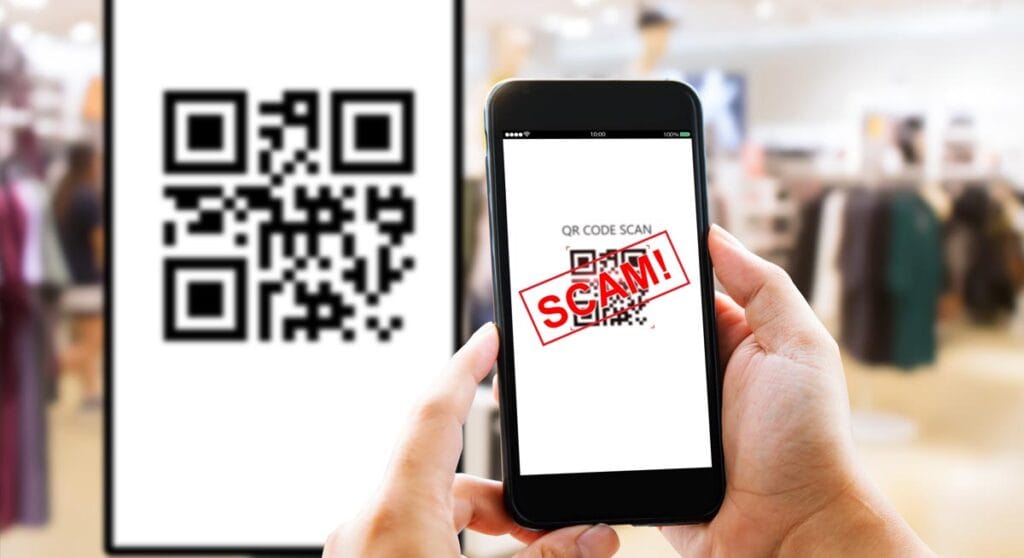
A QR code scam, often called “quishing” (a portmanteau of “QR” and “phishing“), is a type of fraud where scammers use deceptive QR codes to steal your money, personal information, or login credentials. While the technology itself is safe, scammers exploit the fact that humans cannot “read” a QR code to see where it leads before scanning it.
How QR Code Scam Works?
Scammers place or send fraudulent codes in high-traffic or high-trust areas. When you scan them, one of three things usually happens:
- Phishing: You are directed to a fake website that looks like a legitimate login page (e.g., your bank, Netflix, or a shipping company) to steal your password.
- Payment Redirection: You think you are paying for a service (like parking or a restaurant bill), but the money goes directly into the scammer’s account.
- Malware Injection: The code triggers a silent download of malicious software that can track your keystrokes or steal data from your phone.
Common Types of Scams
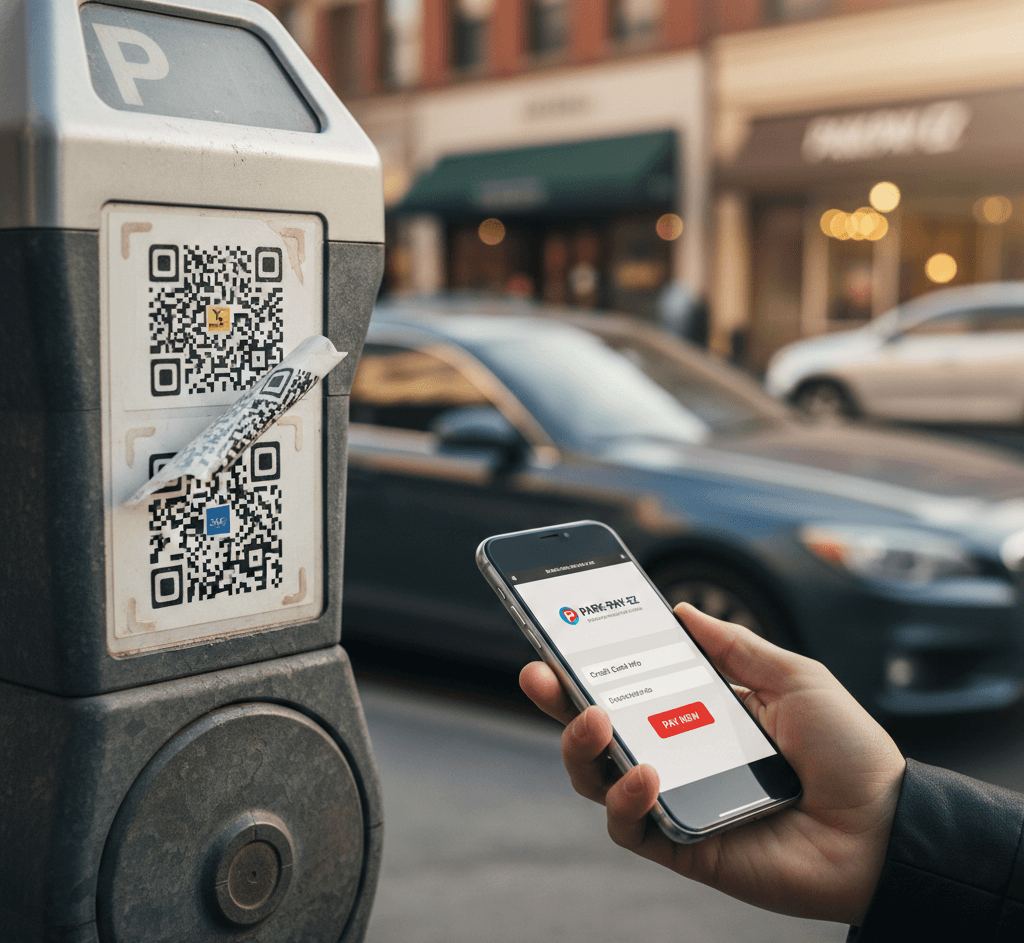
- Parking Meters: Scammers stick fake QR stickers over the official ones on meters or charging stations. You think you’re paying for parking, but you’re actually handing your credit card info to a criminal.
- The “Receive Money” Scam: A fraudster (often on Facebook Marketplace) sends you a QR code, claiming you need to scan it to receive payment. In reality, scanning and entering your PIN authorizes a payment from your account to theirs.
- Restaurant Menus: In busy restaurants, scammers may place their own QR stickers on tables to redirect customers to a fake ordering site that captures payment details.
- Package Delivery: You receive a text or email about a “missed delivery” with a QR code to “reschedule.” This usually leads to a site asking for a “redelivery fee” and your personal info.
How to Protect Yourself?
- Inspect the physical code: Look for signs of tampering, such as a sticker placed over a printed code or a different texture/color than the rest of the sign.
- Check the URL preview: Most modern phone cameras show a link preview when you hover over a QR code. If the URL looks strange (e.g., bit.ly links or misspelled brands like G00gle.com), do not tap it.
- Never scan to “receive” money: Legitimate apps like UPI or Venmo do not require you to scan a code or enter a PIN to receive funds.
- Avoid “Scanner” apps: You don’t need a special app to scan QR codes; your phone’s built-in camera is more secure. Third-party scanner apps often contain ads or malware.