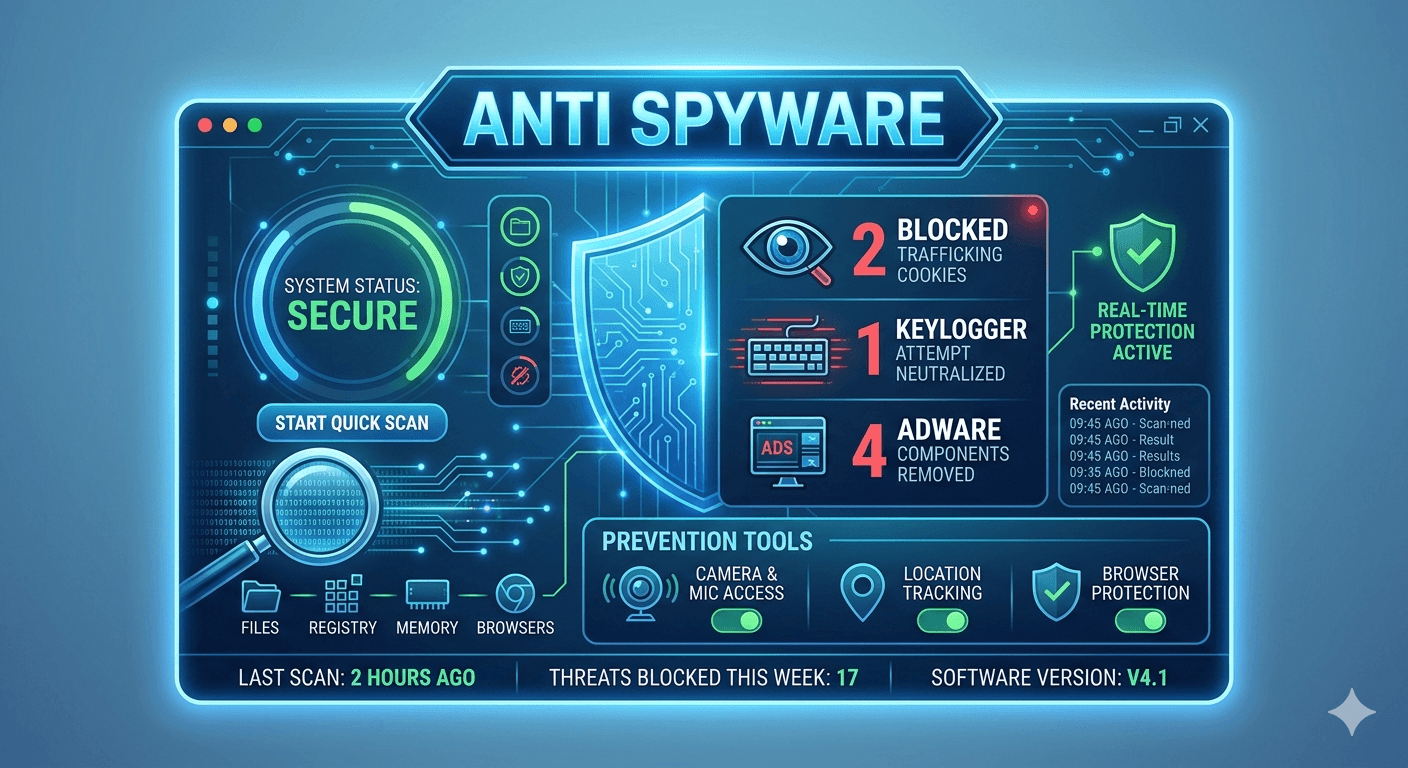
A keylogger (short for keystroke logger) is a type of surveillance technology either software or hardware designed to record and store every keystroke a user types on a computer or mobile device, often without their knowledge.
How Keyloggers Work?
Keyloggers capture sensitive information like passwords, credit card numbers, personal messages, and search queries by intercepting the data flow. They generally fall into two main types:
- Software Keyloggers: These are malicious programs (a form of spyware or malware) installed on a device. They often disguised as legitimate software or bundled with other downloads. They run silently in the background and can intercept keystrokes at different levels of the operating system before they reach the intended application. The recorded data is typically stored in a hidden file on the device. That data is then periodically transmitted to the attacker over the internet.
- Hardware Keyloggers: These are small, physical devices that must be plugged directly into the target computer usually between the keyboard cable and the computer’s port (like a USB adapter). They record the keystrokes as electrical signals pass through them. To retrieve the data, the attacker requires physical access to the device again.

Malicious Uses
While keyloggers have some legitimate uses (such as parental monitoring or troubleshooting in a business), they are most commonly associated with criminal intent, including:
- Credential Theft: Stealing usernames and passwords for online accounts.
- Financial Fraud: Capturing credit card and banking information.
- Espionage: Gathering confidential business or government information.
- Stalking/Cyberbullying: Monitoring a non-consenting person’s private communications and online activity.
Detection and Removal
Detecting an advanced keylogger can be challenging, but you can look for the following signs and use security measures:
- Unusual System Behavior: Noticeable slowdowns in computer performance, delays between typing and seeing text appear, unexpected browser redirects, or the device running hot (especially on mobile).
- Manual Checks (Windows): Review the Task Manager (Activity Monitor on Mac) for unfamiliar or suspicious running processes. Check the list of installed programs in Control Panel > Programs and Features. Search online for any unknown entries.

- Security Software: The most effective defense is using a reputable, up-to-date antivirus or anti-malware program. The program should have anti-keylogger capabilities to scan and remove malicious software.
- Physical Inspection: For desktop computers, visually inspect the connection between the keyboard and the computer for any small, unfamiliar physical devices.