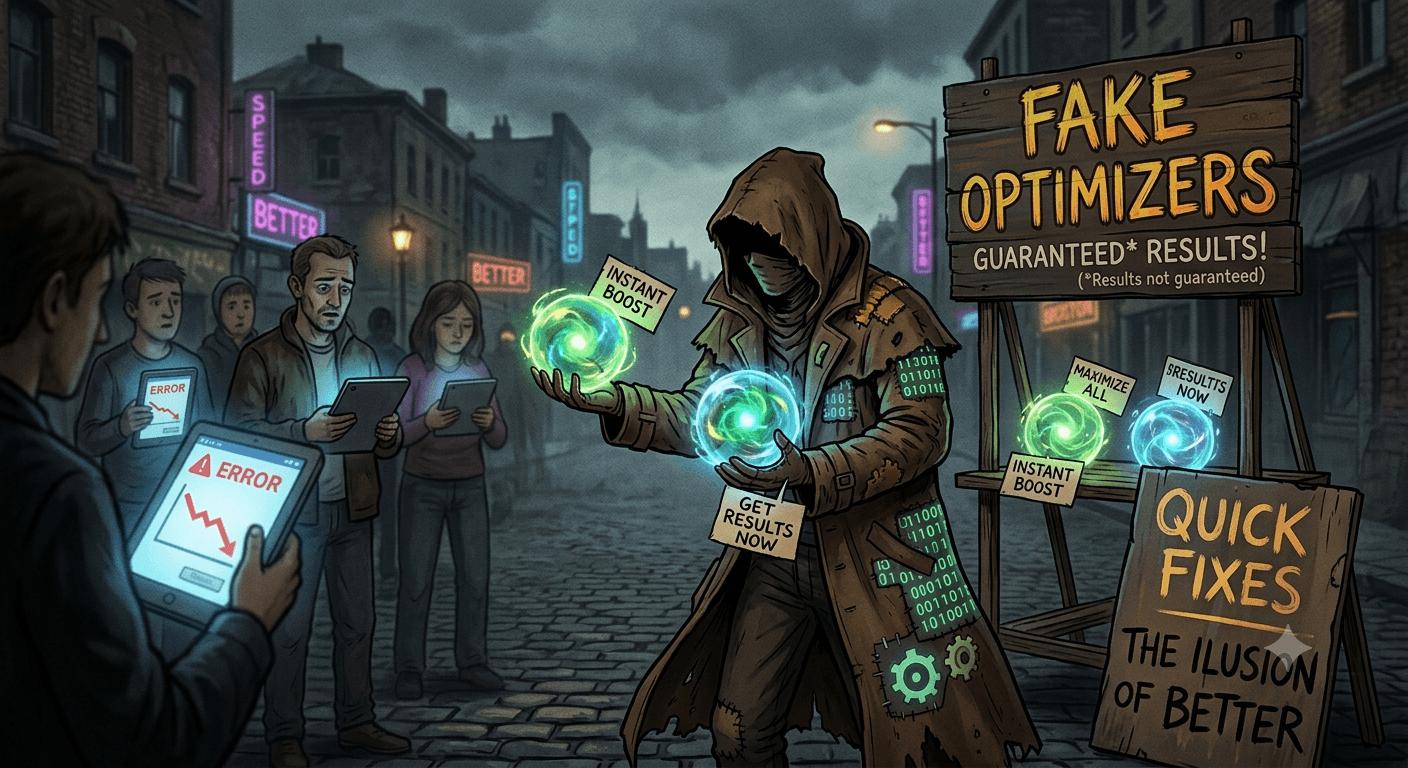
Fake Optimizers are a category of deceptive software often classified as Potentially Unwanted Programs (PUPs) or scareware that claim to improve your computer’s performance, fix registry errors, or speed up your internet connection.
In reality, these programs often do little to nothing. Their primary goal is to convince you that your system is in critical danger so that you will pay for a “pro” or “licensed” version to “fix” the non-existent problems.
How Fake Optimizers Work?
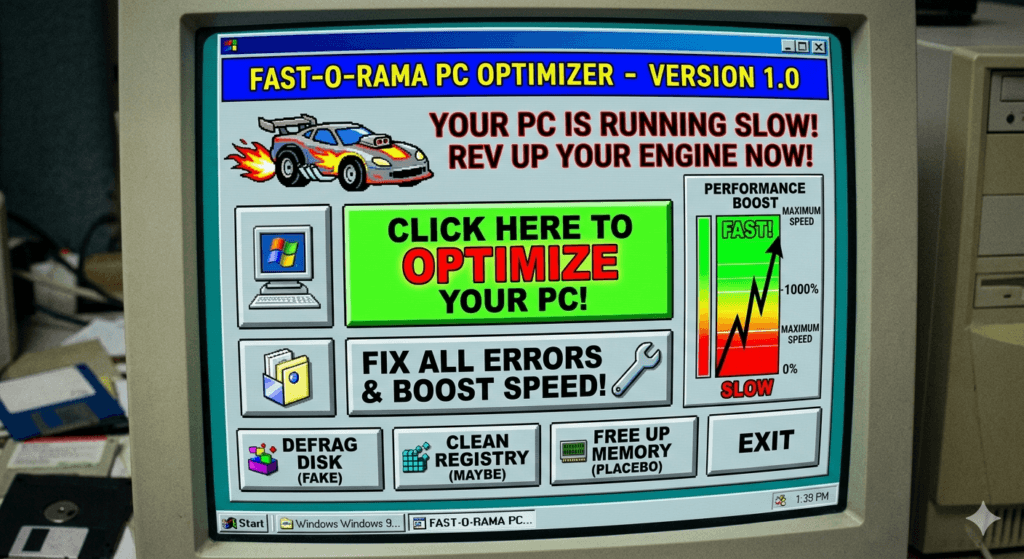
- The Free Scan: You might download the tool through a bundled installer or a deceptive ad. Once opened, it performs a very fast scan of your system.
- Exaggerated Results: The scan almost always finds hundreds or thousands of issues. These are usually harmless temporary files, broken shortcuts, or empty registry keys that do not actually affect performance.
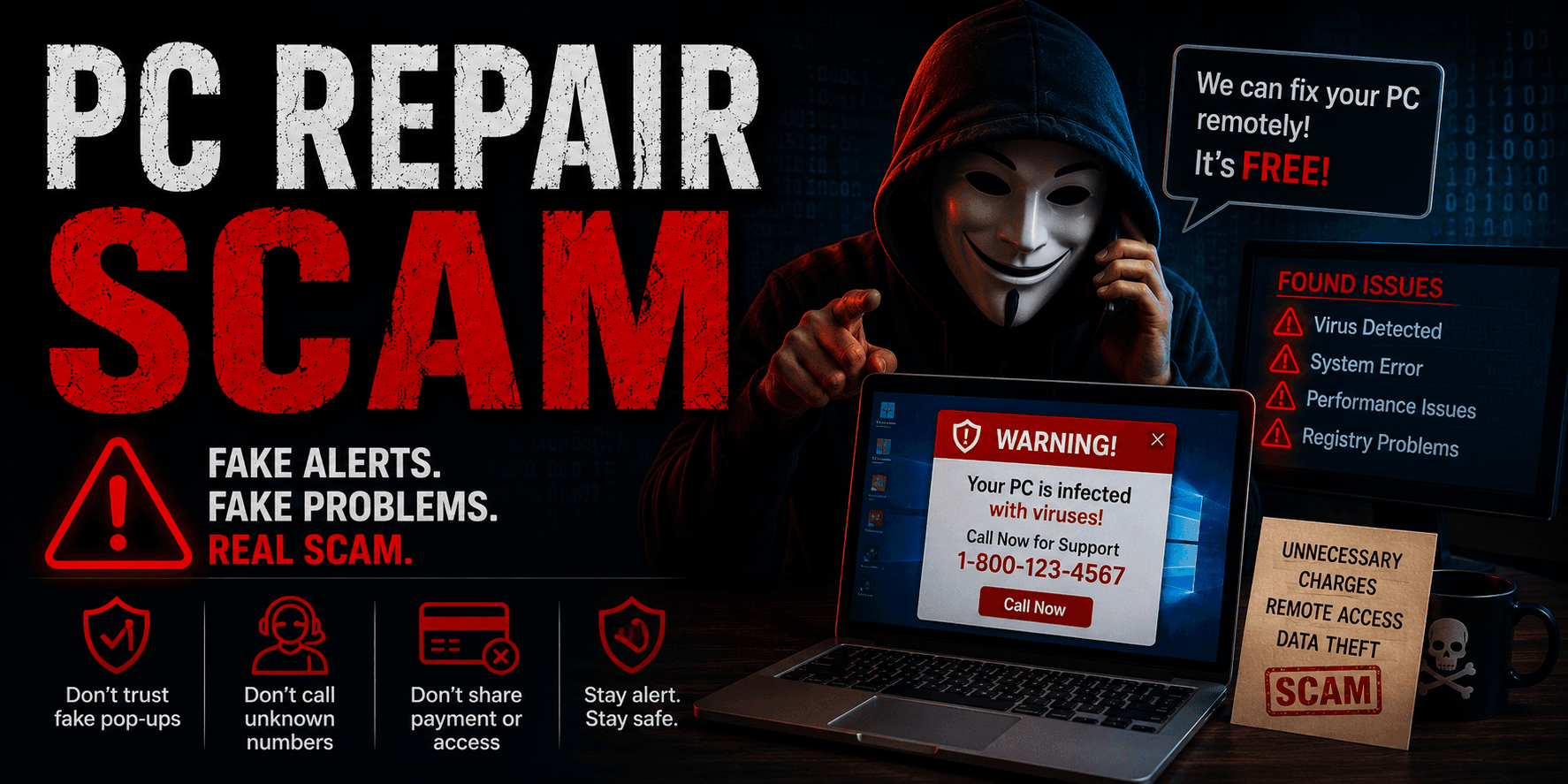
- The Scare Tactic: The software uses bright red text, warning icons, and language like “CRITICAL DAMAGE FOUND” or “SYSTEM STABILITY: POOR” to create a sense of urgency.
- The Paywall: When you click “Fix All“, the program informs you that the free version can only fix a few items. To repair the critical errors, you must purchase a subscription.
Common Characteristics
- Persistent Pop-ups: They often launch automatically when you boot your computer and display intrusive notifications.
- Difficult Uninstallation: Like many types of malware, they may hide their uninstaller or leave behind background processes even after you think you’ve deleted them.
- Bundled Software: They are rarely downloaded intentionally. They usually piggyback on free software installers.
- Dubious Claims: They promise one-click miracles, such as doubling your RAM speed or increasing your CPU power, which is physically impossible for software to do.
Why They Are Dangerous?
While some fake optimizers are merely placebo apps that waste your money, others can be actively harmful:
- System Instability: Aggressive registry cleaners might delete essential system files, leading to crashes or the “Blue Screen of Death” (BSOD).
- Data Privacy: These apps often track your browsing habits or system information to sell to third-party advertisers.
- Gateway for Malware: Some fake optimizers act as a backdoor, eventually downloading more severe threats like spyware or ransomware.
How To Stay Safe?
Modern operating systems like Windows 11 and macOS have built-in maintenance tools that handle disk cleanup and security automatically. If your computer feels slow, it is generally safer to use the official system settings or reputable, well-known open-source tools rather than a third-party optimizer found via a web ad.