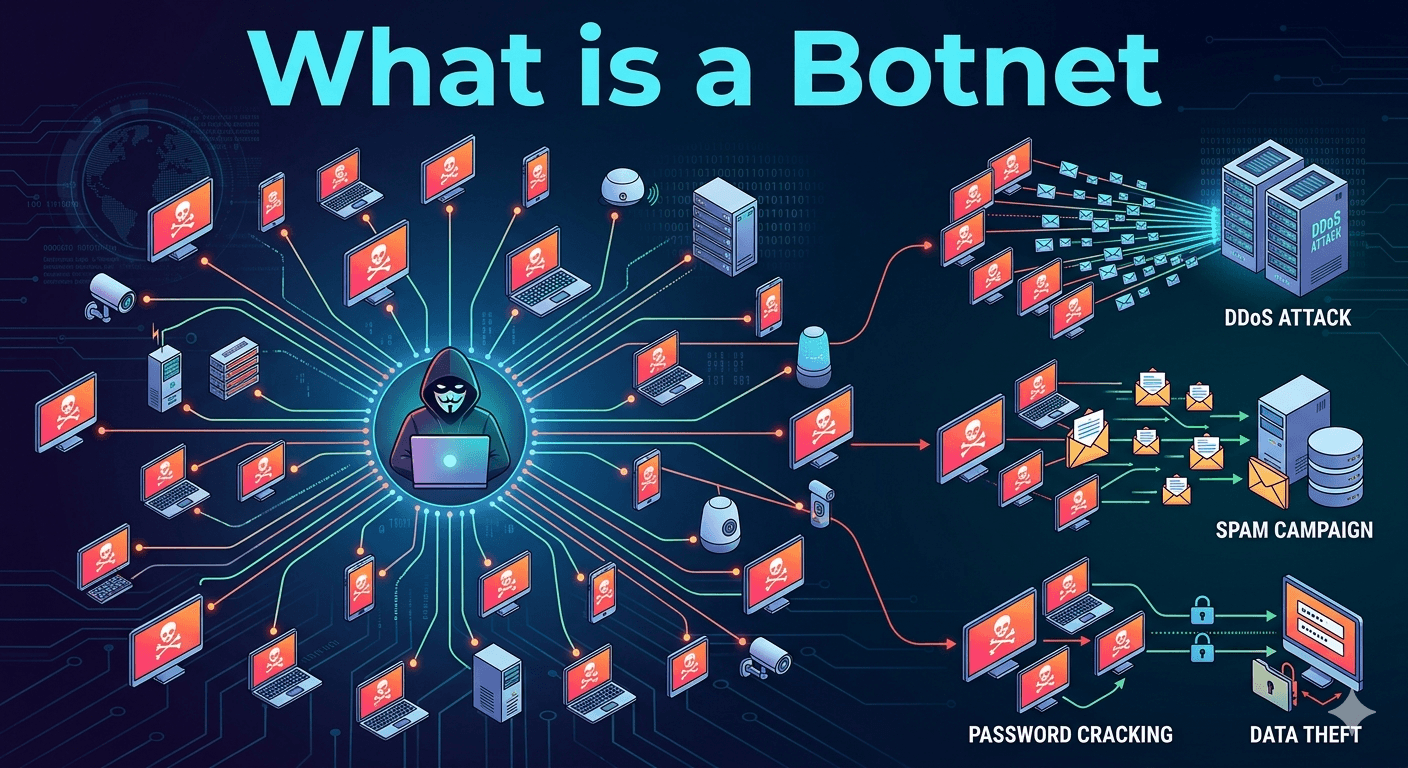
A botnet (a portmanteau of “robot” and “network”) is a collection of internet-connected devices such as computers, smartphones, or Internet of Things (IoT) gadgets that have been infected with malware and are controlled as a group by a single malicious actor, known as a bot herder. Unlike traditional malware that simply steals data from one machine, a botnet turns a device into a zombie that performs automated tasks for the attacker, often without the owner’s knowledge.
How Hackers Form a Botnet?
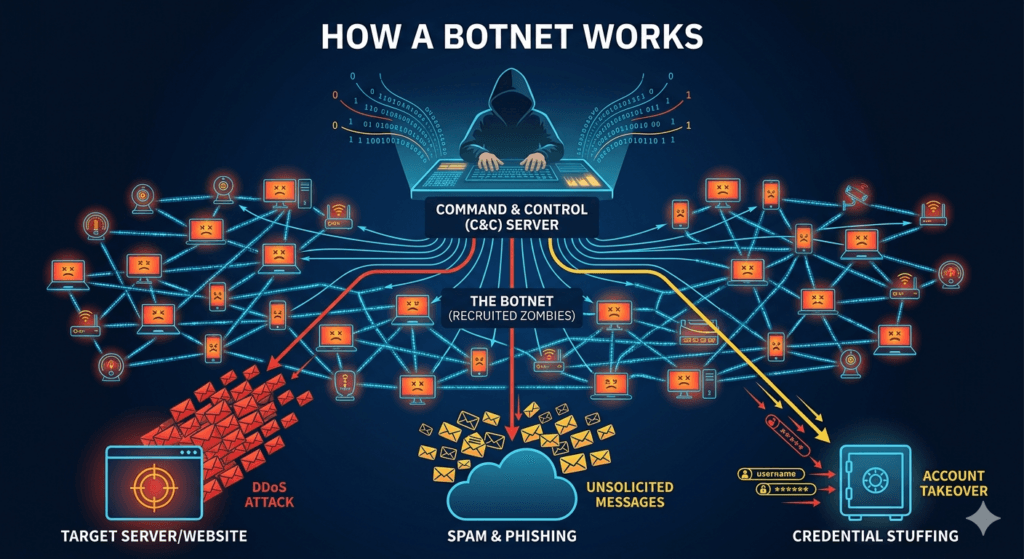
The creation of a botnet typically follows a three-step cycle:
- Infection: The attacker spreads malware through phishing emails, unpatched software vulnerabilities, or malicious downloads.
- Connection: Once infected, the device calls home to a Command and Control (C&C) server to receive instructions.
- Mobilization: The bot herder sends commands to the entire network of thousands (or even millions) of devices to carry out a coordinated attack.
Common Uses of Botnets
Botnets are the “Swiss Army knives” of cybercrime because of their scale and anonymity. Attackers primarily use them for:
- DDoS Attacks: Flooding a website or server with so much traffic from the botnet that it crashes and becomes unavailable to real users.
- Spam and Phishing: Sending out millions of emails simultaneously. Because the mail comes from clean IP addresses of regular people, it is harder for spam filters to block.
- Credential Stuffing: Using automated scripts to try millions of stolen username and password combinations on various websites to hijack accounts.
- Cryptojacking: Using the processing power of the infected devices to mine cryptocurrency for the attacker, which slows down the victim’s device and increases their electricity bill.
How to Tell if Your Device is Part of a Botnet?
Since bots run quietly in the background by design, they can be hard to spot. However, watch for these red flags:
- Unexpected Slowdowns: Your device or internet connection feels sluggish for no apparent reason.
- Spikes in Data Usage: A sudden mystery increase in uploaded or downloaded data.
- High CPU Usage: Your computer fan is spinning loudly even when you aren’t running any heavy programs.
- Strange Outbound Messages: Friends or colleagues reporting that they received suspicious emails or social media messages from you that you didn’t send.
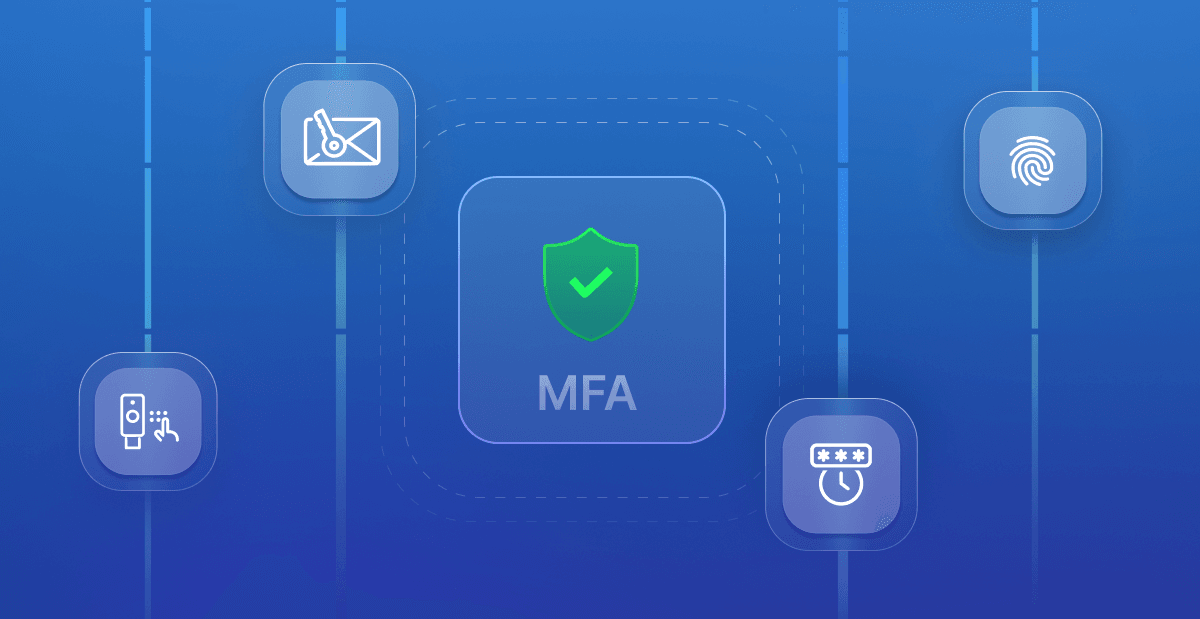
To keep your devices from being recruited into a botnet, ensure your software is always updated to the latest version, use multi-factor authentication (MFA) on all accounts, and change the default passwords on IoT devices like smart cameras or routers.