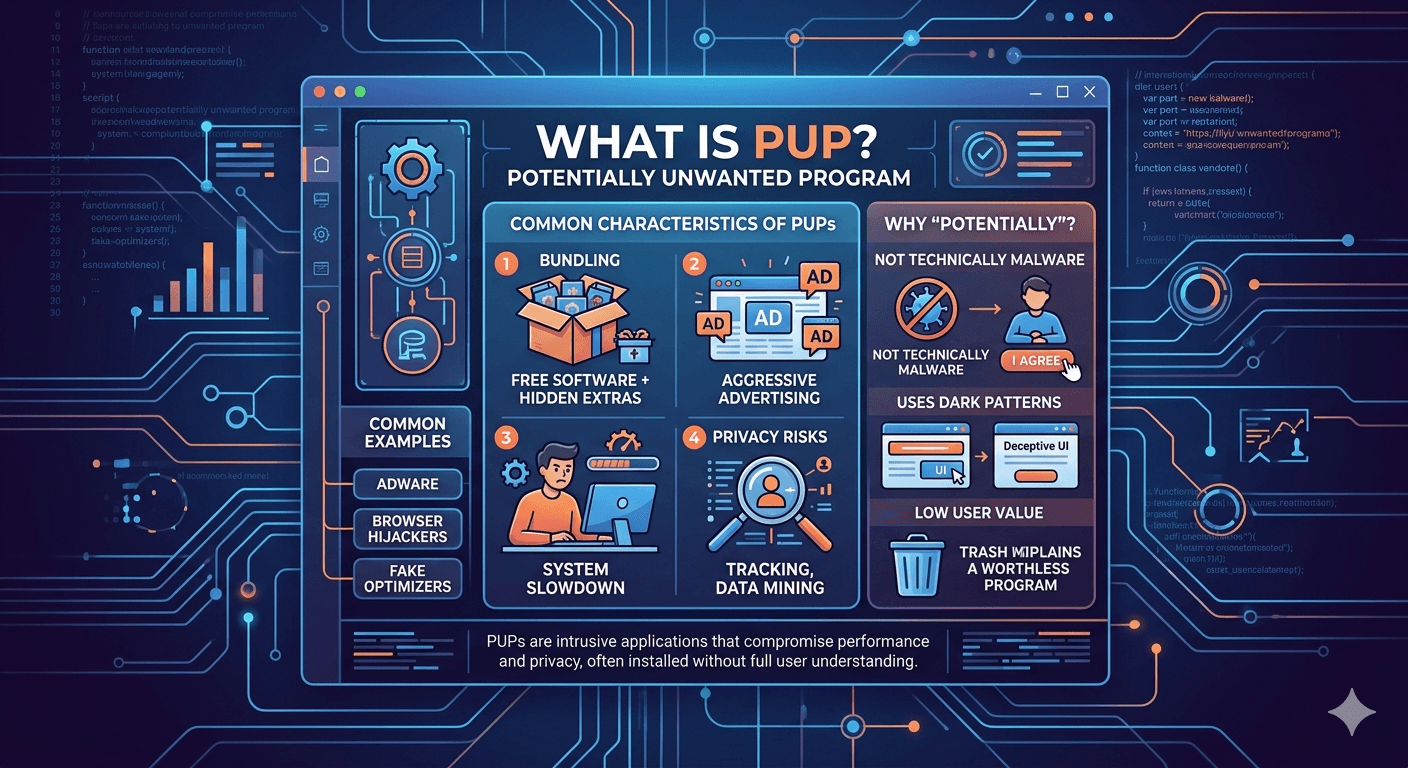
A Potentially Unwanted Program (PUP) is a category of software that may be perceived as unwanted by a user, even though the user may have technically consented to download it. Unlike malware (such as viruses or ransomware), PUPs usually don’t have a purely malicious intent to destroy data. Instead, they often walk a fine line between “useful tool” and “annoyance“, frequently compromising system performance or user privacy.
Common Characteristics of PUPs
PUPs often exhibit behaviors that can be intrusive or deceptive:
- Bundling: This is the most common method of distribution. When you install a free application, the installer may bundle optional software such as a browser toolbar or system cleaner and check the selection by default.
- Aggressive Advertising: Many PUPs act as Adware, changing your browser’s homepage, injecting ads into websites, or triggering frequent pop-ups.
- System Slowdown: Because they often run in the background and consume CPU or RAM, they can cause a noticeable drop in computer performance.
- Privacy Risks: Some PUPs track your browsing habits, search queries, and location to sell that data to third-party advertisers.
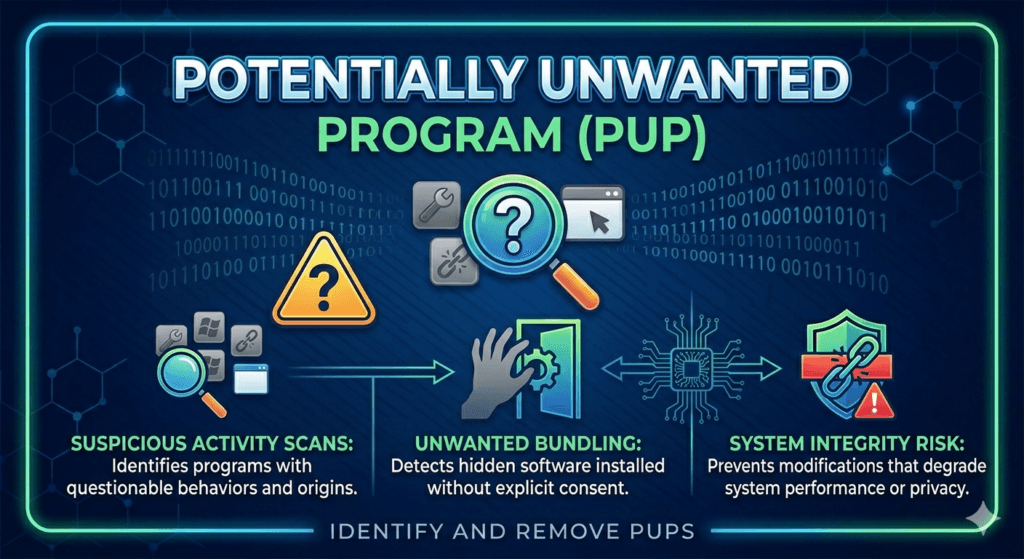
Why Do Cybersecurity Experts Call Them Potentially Unwanted?
The “Potentially” is a legal and functional distinction. Because the user often clicks “Next” or “I Agree” during an installation process, the software isn’t strictly illegal or a virus. Cybersecurity firms use the term PUP to flag software that:
- Provides very little value to the user.
- Uses “Dark Patterns” (deceptive user interfaces) to get installed.
- Is difficult to uninstall through standard methods.
Common Examples of PUP or Potentially Unwanted Program
- Adware: Programs that exist solely to show you advertisements.
- Browser Hijackers: Extensions that change your default search engine to a site filled with sponsored links.
- Fake Optimizers: PC Boosters that claim your computer has thousands of errors and demand payment to fix them.
How To Stay Safe?
- Use Custom Installation: Always choose Custom or Advanced installation settings to uncheck any bundled software.
- Read the Prompts: Avoid clicking “Next” rapidly. Look for small checkboxes that opt you into extra tools.
- Use Specialized Tools: Standard antivirus software catches many PUPs, but developers specifically design dedicated tools like Malwarebytes to identify and remove these gray area programs.
- Download from Source: Always try to download software directly from the developer’s official website rather than third-party download portals.