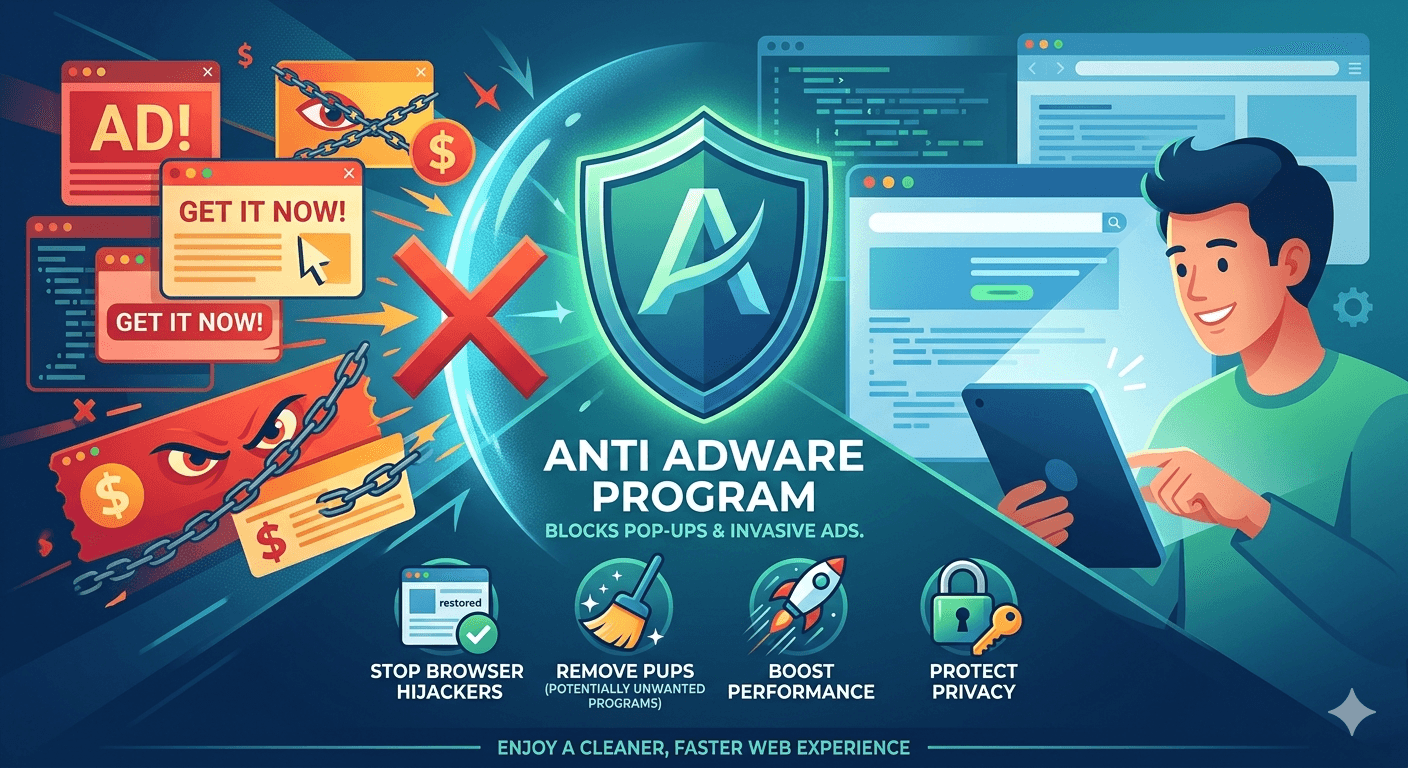
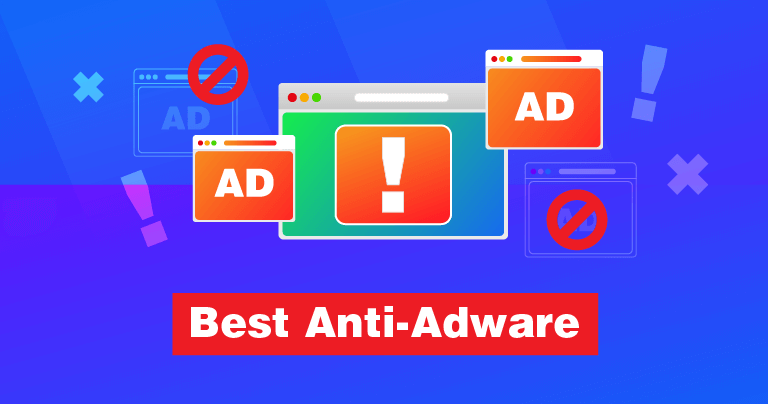
An Anti-Adware program is a specialized type of security software designed to detect, prevent, and remove adware a form of “Advertising-Supported Software” that automatically delivers advertisements to your computer.
While some adware is legitimate (like free versions of apps that show ads to stay free), it often crosses the line into Potentially Unwanted Programs (PUPs) or malware. An anti-adware tool targets these specific nuisances that traditional antivirus programs might sometimes overlook.
Key Functions of an Anti Adware Program
- Scanning and Removal: It searches through your system files, browser extensions, and registry entries to find hidden scripts that trigger ads.
- Browser Hijacker Protection: It stops software from changing your homepage, default search engine, or adding unwanted toolbars without your permission.
- Real-Time Blocking: Many tools prevent adware from installing in the first place by flagging bundled software during a download.
- Pop-up Suppression: It identifies the root cause of intrusive pop-ups that appear even when your browser is closed.
Adware vs. Malware
While often grouped together, there is a subtle difference in how they are handled:
- Primary Goal: The main goal of an Adware is to generate revenue through clicks/views where as of Malware is to steal data, corrupt files, or gain control.
- User Consent: For Adware, it is often hidden in Terms of Service where as Malware is usually installed via exploits or deception.
- Detection: An Adware is often flagged as a “PUP” (Potentially Unwanted Program) where as a Malware is flagged as a direct threat.
When Do You Need An Anti-Adware Program?
You might consider running an anti-adware scan if you notice:
- Your browser’s homepage has changed to a site you don’t recognize.
- Random windows or tabs open automatically.
- Webpages that usually don’t have ads are suddenly covered in banners.
- Your PC or internet speed has slowed down significantly due to background ad-loading.
Popular Anti Adware Tools
Many modern security suites include anti-adware features, but dedicated standalone tools are also common:
- AdwCleaner: A widely used, lightweight tool (now owned by Malwarebytes) specifically for cleaning browsers.
- Malwarebytes: A broader tool that is highly effective at catching PUPs and adware.
- Bitdefender/Norton: Most “All-in-One” suites now have dedicated modules for browser protection.
To avoid adware in the first place, always choose the Custom or Advanced installation path when downloading free software. This often reveals hidden check-boxes that allow you to opt-out of bundled ad programs.