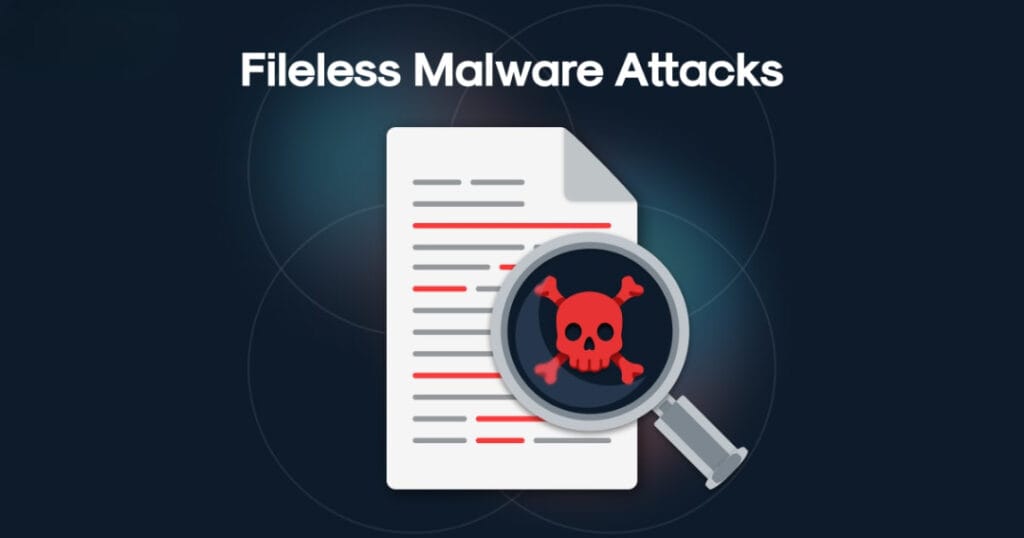
Fileless malware is a type of cyberattack that operates entirely in a computer’s memory (RAM) rather than being stored in a file on the hard drive.
Unlike traditional viruses that require you to download and run a “.exe” file, fileless malware “lives off the land“. It hijacks legitimate, trusted programs already on your computer like PowerShell, WMI or Microsoft Office macros to execute malicious commands.
How Fileless Malware Works?
Because it doesn’t leave a “footprint” on the disk, it is often called “zero-footprint” or “non-malware“.
- Entry: You might click a link in a phishing email or visit a compromised website.
- Execution: Instead of downloading a file, the attack triggers a script that opens a legitimate system tool like PowerShell.
- In-Memory Operation: The malicious code is injected directly into the RAM. It instructs the trusted tool to perform actions like stealing passwords, encrypting data, or spreading to other computers on the network.
- Persistence: Since RAM is wiped when you reboot, advanced fileless malware hides scripts in the Windows Registry or Task Scheduler so it can restart itself automatically when the computer turns back on.
Why is It So Dangerous?
- Invisible to Antivirus: Most traditional antivirus programs look for “signatures” (suspicious files). Since there is no file to scan, the malware often slips right past them.
- Abuses Trust: It uses tools that system administrators use every day. Security software often “Allowlists” these tools, meaning it doesn’t monitor them as strictly as unknown programs.
- Forensic Difficulty: Because the malware lives in volatile memory, once the computer is turned off, the evidence of the infection can vanish, making it very hard for experts to figure out how the breach happened.
How to Protect Yourself?
- Keep Software Updated: Fileless attacks often exploit “bugs” in browsers or Office. Updates (patches) fix these holes.
- Disable Unnecessary Tools: If you don’t use PowerShell or Office Macros, disabling them can close the door on attackers.
- Use EDR/XDR: Modern “Endpoint Detection and Response” tools don’t just look for files; they watch for suspicious behavior (like PowerShell suddenly trying to connect to a random IP address in another country).