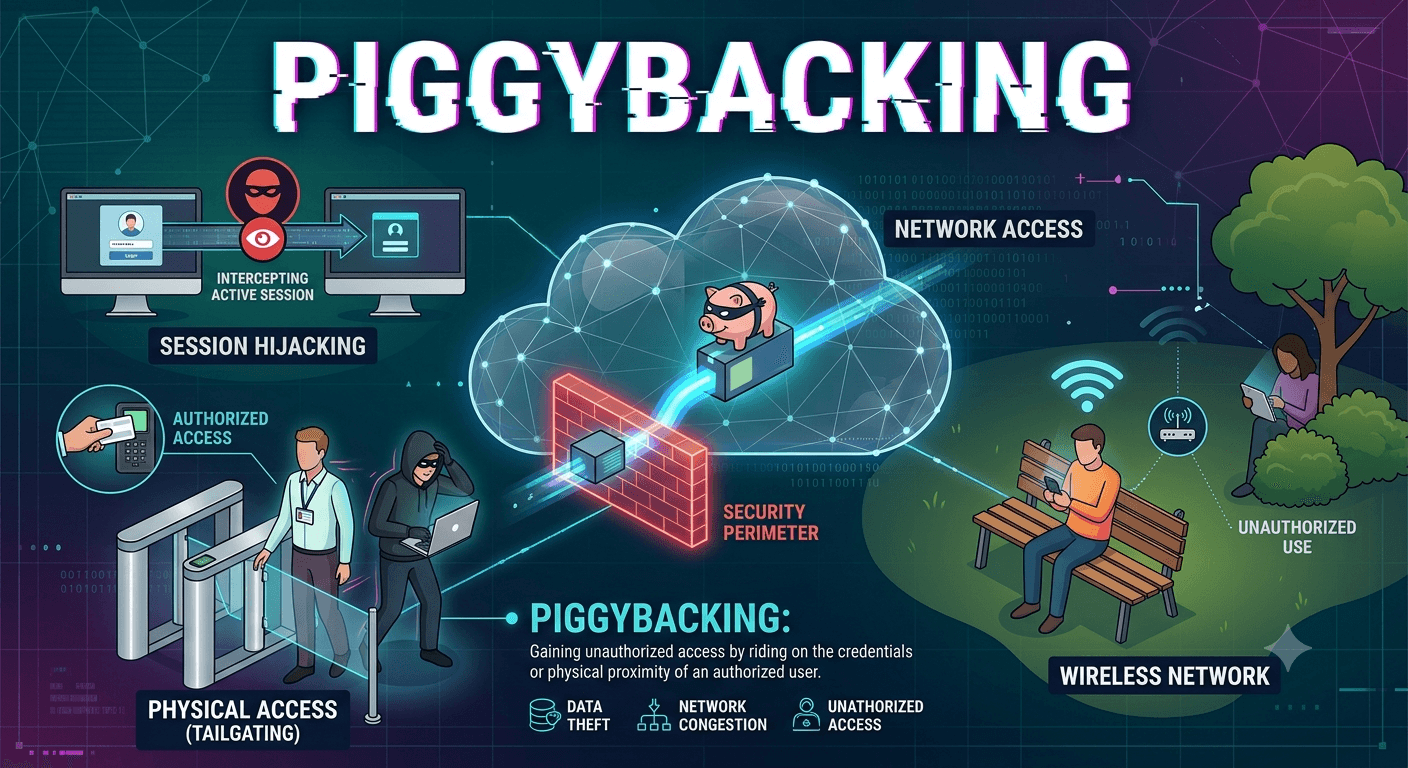
In the context of technology and security, piggybacking refers to gaining unauthorized access to a restricted area, system, or connection by following closely behind an authorized user. Security professionals use the term in two primary domains: physical security and digital networking.
Physical Security (Tailgating)
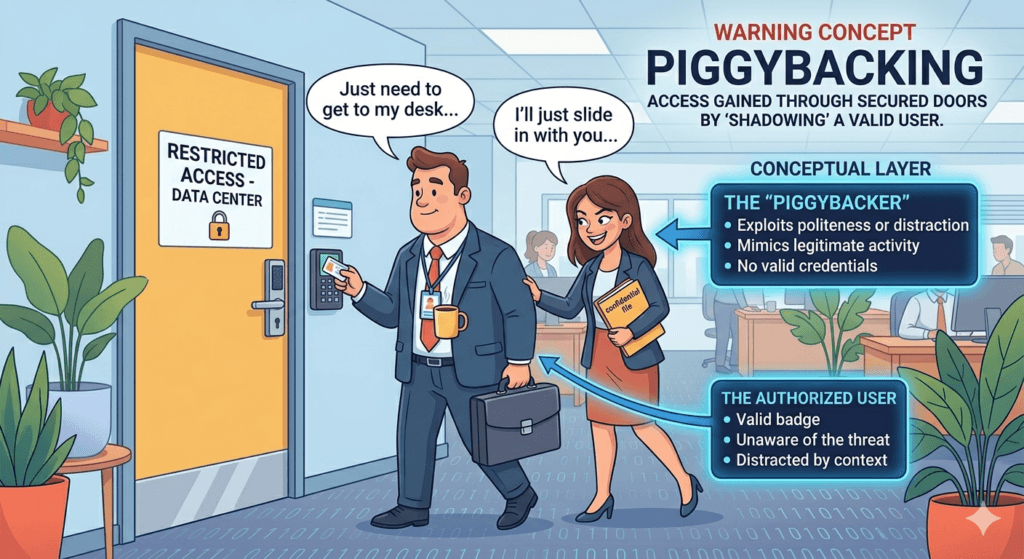
In a physical setting, piggybacking occurs when an unauthorized person follows an authorized person into a secured location, such as an office building, server room, or gated community.
- How it works: The unauthorized individual might wait near a secure door and slip in before it closes after an employee scans their badge.
- Social Engineering Aspect: Often, the intruder will use social tactics to make the authorized person hold the door for them. They might carry heavy boxes, dress like a delivery driver, or pretend to have lost their keycard to exploit the victim’s politeness.
- Difference from Tailgating: While often used interchangeably, tailgating usually implies following someone without their knowledge, whereas piggybacking often involves the authorized person’s consent (even if that person doesn’t realize they are breaking security protocols).
Digital Networking (Wi-Fi Piggybacking)
In computing, piggybacking refers to using someone else’s wireless internet connection without their explicit permission.
- How it works: This happens when a Wi-Fi network is left unsecured (no password) or has a weak password that is easily cracked. A neighbor or someone parked in a car outside the building connects to the network to get free internet access.
- The Risks:
- Bandwidth Theft: The unauthorized user slows down the internet speed for the actual owner.
- Illegal Activity: If the piggybacker performs illegal actions online, the activity is traced back to the owner’s IP address.
- Data Insecurity: If someone is on your network, they may be able to intercept your data or access shared folders on your devices.

How to Prevent Piggybacking?
- For Physical Security: Use turnstiles, man-traps (interlocking doors), or security guards. Employee training is also vital to ensure staff do not hold secure doors open for others.
- For Wi-Fi Security: Use strong encryption (WPA3 or WPA2), set complex passwords, and disable SSID broadcasting so the network name isn’t visible to everyone.