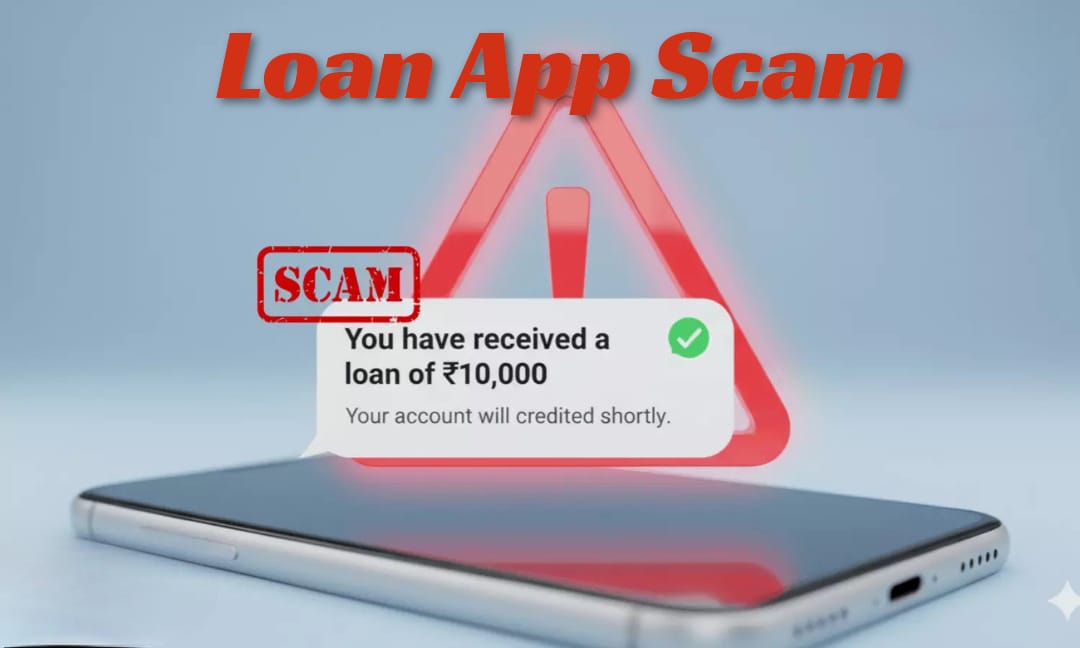
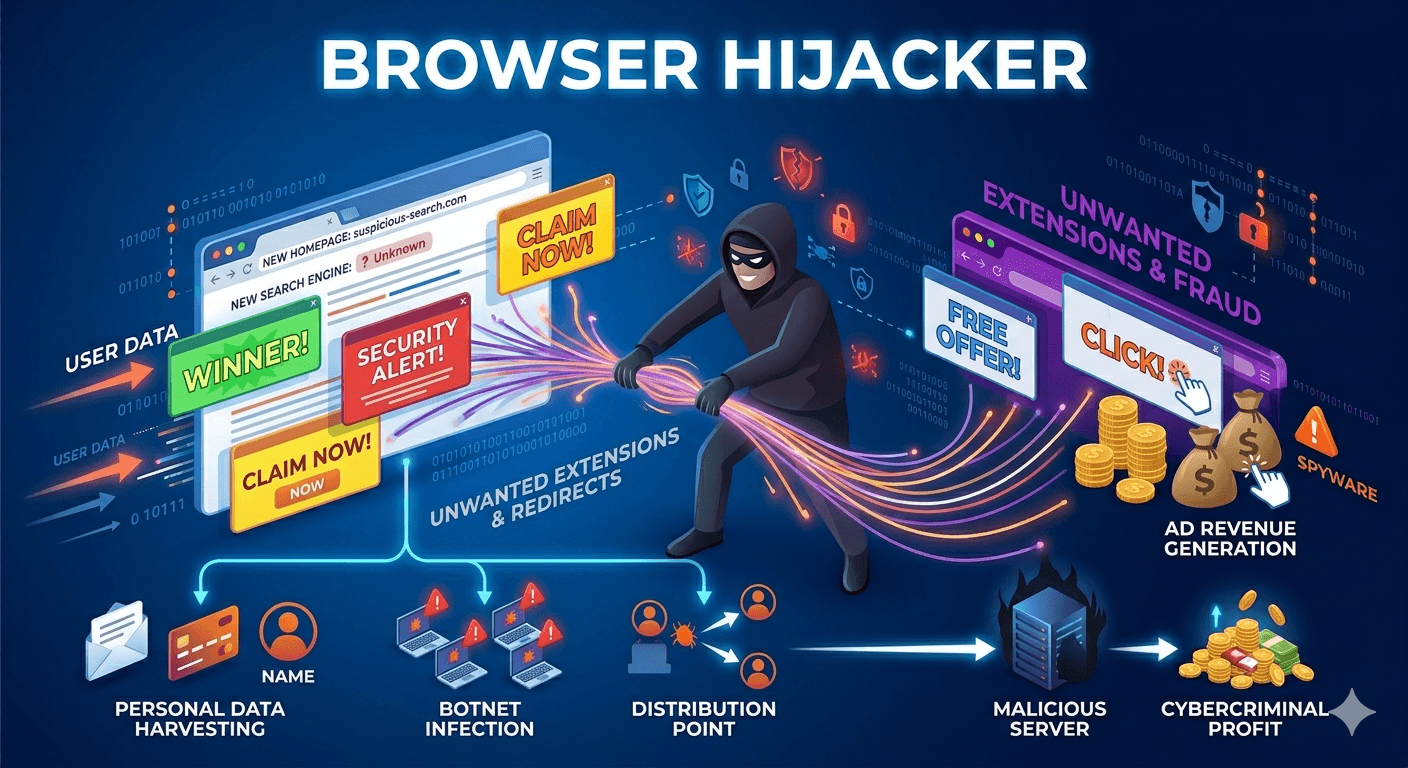
LinkedIn scams are fraudulent attempts to steal your personal information, money, or login credentials by exploiting the professional trust built into the platform. Because LinkedIn is a network for careers, scammers often pose as recruiters, high-level executives, or tech support to catch you off guard.
Common Types of LinkedIn Scams
- The Fake Job Offer: You receive a message about a lucrative “dream job” (often remote with high pay). The scammer may ask for an “onboarding fee,” money for equipment, or sensitive data like your Social Security number or bank details for a “background check“.
- Phishing Links: A connection (sometimes a hacked account of someone you know) sends a link to a “Google Doc” or a “Portfolio.” Clicking it may install malware or lead to a fake login page designed to steal your LinkedIn password.
- The “Pig Butchering” (Crypto) Scam: A stranger initiates a friendly professional conversation. Over days or weeks, they build trust before “casually” mentioning a high-return cryptocurrency investment or trading platform they use, which is actually a fraudulent site.
- Tech Support Impersonation: You get an urgent message claiming your account has been compromised or has a “security violation“. They will provide a link or a phone number to “LinkedIn Support” to gain remote access to your computer.
- Romance Scams (Catfishing): Though LinkedIn is a professional site, “romance” scammers use it to target professionals, often using attractive, AI-generated profile pictures to build a fake relationship and eventually ask for financial help.
Red Flags to Watch For
- Urgency: Phrases like “Act now,” “Immediate start,” or “Account will be deleted“.
- Off-Platform Requests: Insisting on moving the conversation to WhatsApp, Telegram, or Signal immediately.
- Generic Greetings: Using “Dear Sir/Madam” or “Dear Professional” instead of your name.
- Profile Inconsistencies: A “CEO” with only 10 connections, no posts, or a blurry/stock profile photo.
- Too Good to Be True: Salary offers that are double or triple the industry standard for the role.
How to Protect Yourself?
- Verify the Recruiter: If someone claims to be from a specific company, search for that person on the company’s official “Team” page or contact the company’s HR department directly through their official website.
- Don’t Click, Just Hover: Hover your mouse over any link sent in a message to see the actual URL. If it looks like a string of random characters or doesn’t match the company’s domain, don’t click it.
- Enable Two-Factor Authentication (2FA): This ensures that even if a scammer steals your password, they cannot access your account without a code from your phone.
- Report the Account: If a message feels “off,” click the More icon (…) on the profile or message and select Report/Block.