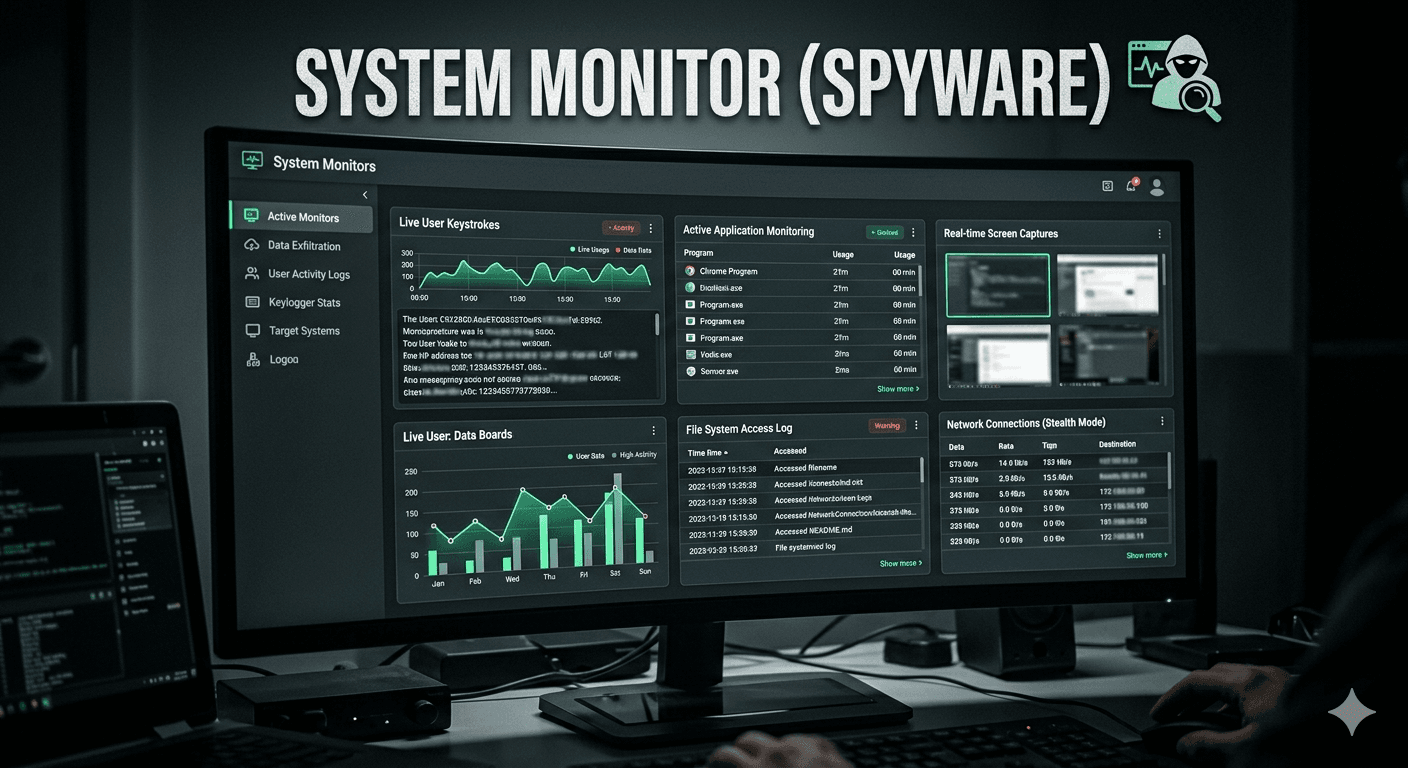
In the context of spyware, System Monitors are a specific category of surveillance software designed to track and record every action performed on a computer or mobile device. While legitimate system monitors (like Task Manager) focus on hardware health, these malicious versions focus on user activity to steal sensitive information.
How System Monitors Function as Spyware?
Unlike basic viruses that might just delete files, system monitors are silent observers. They typically perform the following actions:
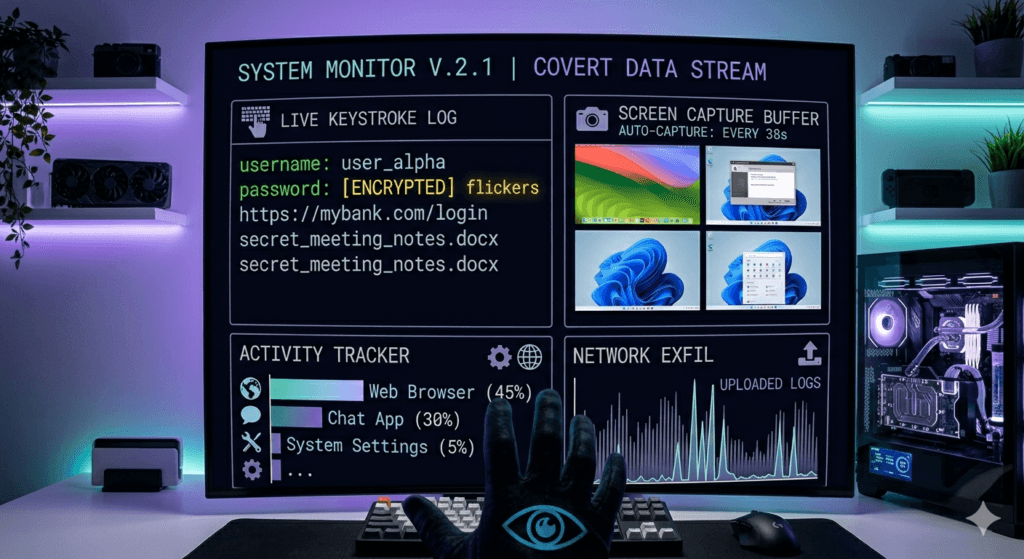
- Keystroke Logging (Keyloggers): Capturing every letter typed, including passwords, credit card numbers, and private messages.
- Screen Capturing: Taking periodic screenshots of your desktop or specific apps to see what you are looking at.
- Activity Logging: Recording which applications you open, how long you use them, and every website you visit.
- Clipboard Monitoring: Stealing data that you have copied and pasted, such as recovery keys or login credentials.
- Remote Reporting: Periodically phoning home to send the collected logs to a remote server controlled by the attacker.
The Thin Line: Legitimate vs. Malicious
The technology used in system monitor spyware isn’t always illegal. It’s the intent and consent that define it as spyware:
- Parental Control (Safety): Parents monitoring a child’s online interactions.
- Employee Monitoring (Productivity): Companies tracking device usage on corporate-owned hardware.
- Spyware/Stalkerware (Theft/Control): Hackers stealing bank info or individuals tracking someone without consent.
Red Flags of a Malicious Monitor
Because these programs are designed to be invisible, they don’t appear in your “Add/Remove Programs” list. However, you might notice:
- System Latency: A sudden, unexplained lag because the monitor is constantly writing logs to the disk.
- Increased Data Usage: Spikes in outgoing network traffic as the software uploads your data.
- Strange Files: Finding hidden folders containing screenshots or text logs of your activity.
Protecting yourself usually requires a robust antivirus or EDR (Endpoint Detection and Response) tool, as these can identify the behavior of a process that is hooking into your keyboard or display drivers.