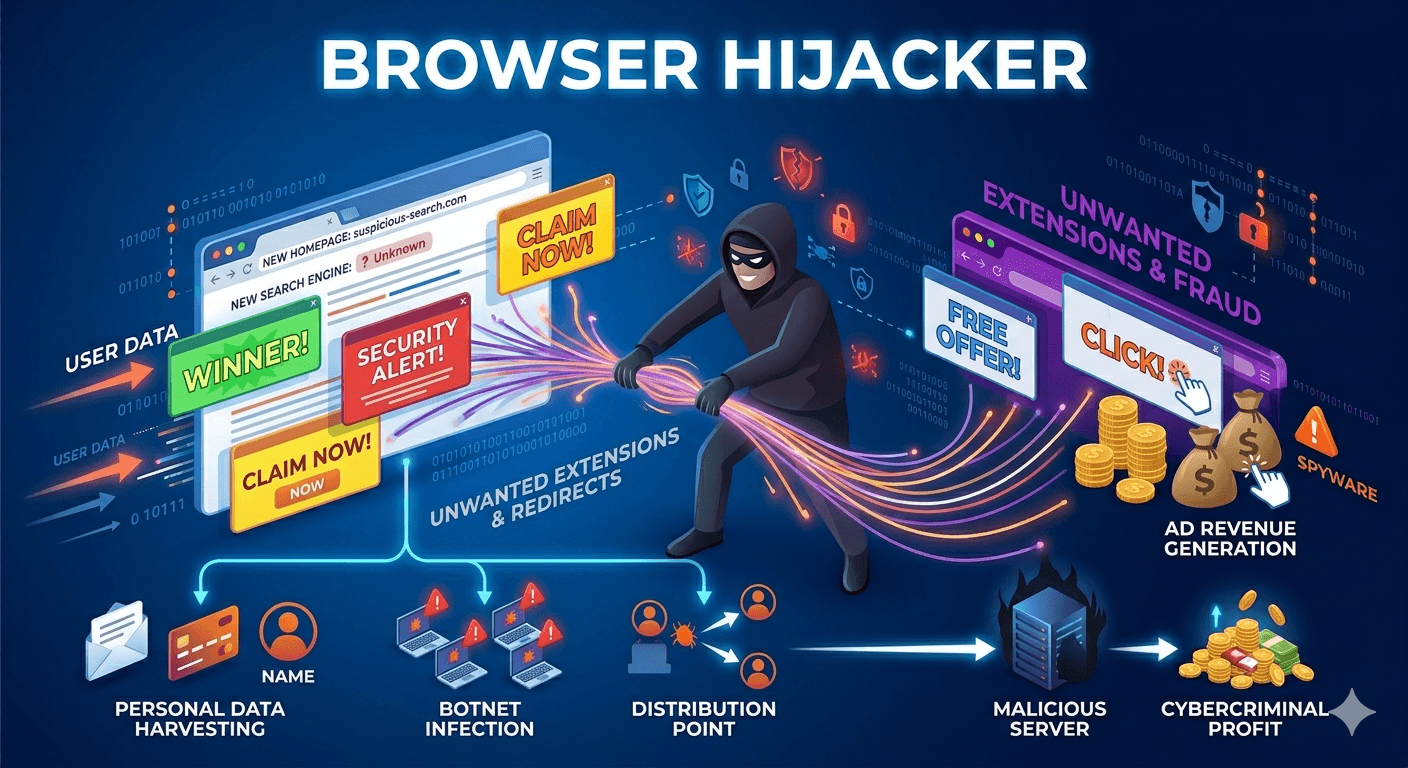
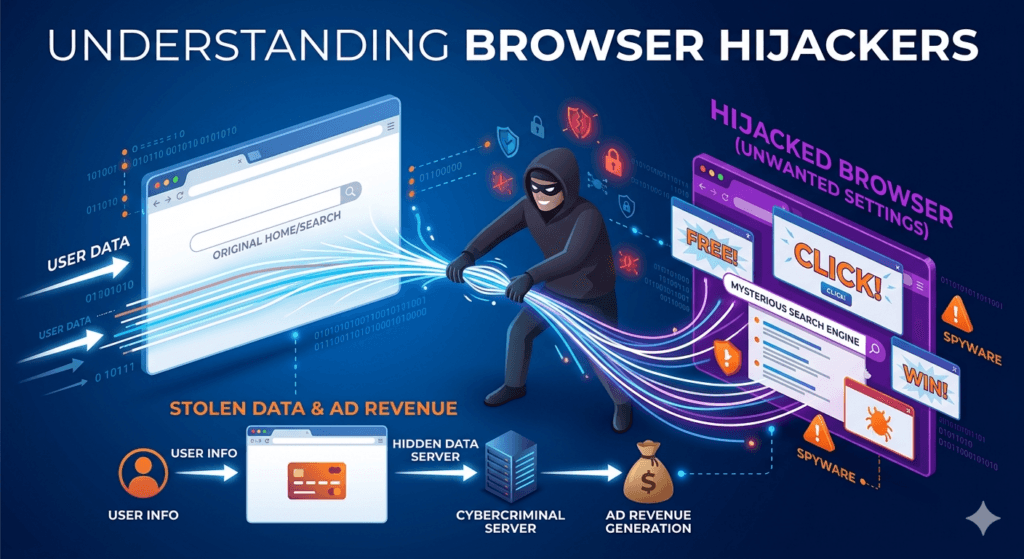
A browser hijacker is a type of unwanted software (often a form of malware or grayware) that modifies a web browser’s settings without the user’s permission. Its primary goal is to redirect you to specific websites, usually to increase advertising revenue or for more malicious purposes like phishing.
How It Affects Your Browser?
When a hijacker takes over, you will notice several immediate, unauthorized changes:
- Modified Homepage: A browser hijacker changes your default start page to a site you didn’t choose.
- Search Engine Redirection: Even if you try to use Google or Bing, a suspicious, low-quality search engine funnels your queries.
- Persistent Pop-ups: Intrusive advertisements or security alerts may flood your screen, claiming that a virus has infected your computer.
- New Toolbars or Extensions: Unexpected icons or bars appear at the top of your browser that are difficult to uninstall.
Common Objectives of a Browser Hijacker
Browser hijackers are rarely “just a glitch“. They are typically designed for:
- Ad Revenue (Adware): By forcing you to visit specific pages, the creators earn money through “pay-per-click” advertising.
- Data Tracking: They often monitor your browsing habits, search history, and personal information to sell to third-party marketers.
- Distributing Malware: In more dangerous cases, the hijacker acts as a “gateway“, redirecting you to sites that automatically download more severe viruses or ransomware.
How Browser Hijackers Get Onto Your System?
Most hijackers don’t break in. Users usually invite them in through software bundling. When you download a free program or a cracked file, the “Recommended” installation settings often hide the hijacker. If you click “Express Install” without reading the fine print, you accidentally give the software permission to change your browser settings.
How to Protect Yourself?
- Use Custom Installation: Always choose the “Advanced” or “Custom” installation path for new software to uncheck any optional toolbars or homepage changes.
- Keep Software Updated: Regularly update your browser and operating system to patch security holes.
- Audit Extensions: Periodically check your browser’s extension list and remove anything you don’t recognize.
- Use Security Software: A reputable antivirus or anti-malware tool can often detect and block these programs before they execute.