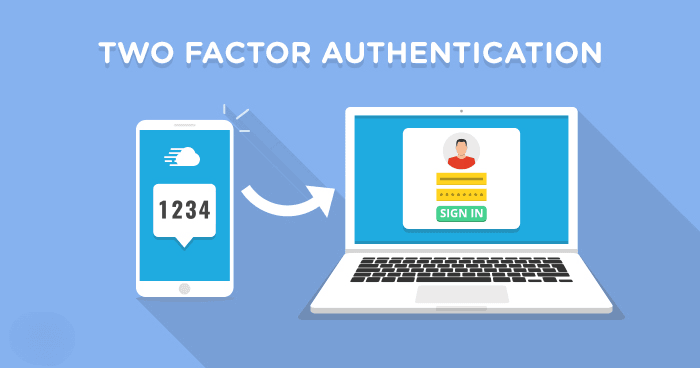
Think of Two-Factor Authentication (2FA) as a double-lock system for your digital life. Instead of just needing a key (your password) to get into your house, you also need a unique code sent to your phone. Even if a hacker manages to steal your password, they still can’t get into your account because they don’t have that second “factor“.
How Two-Factor Authentication Works?
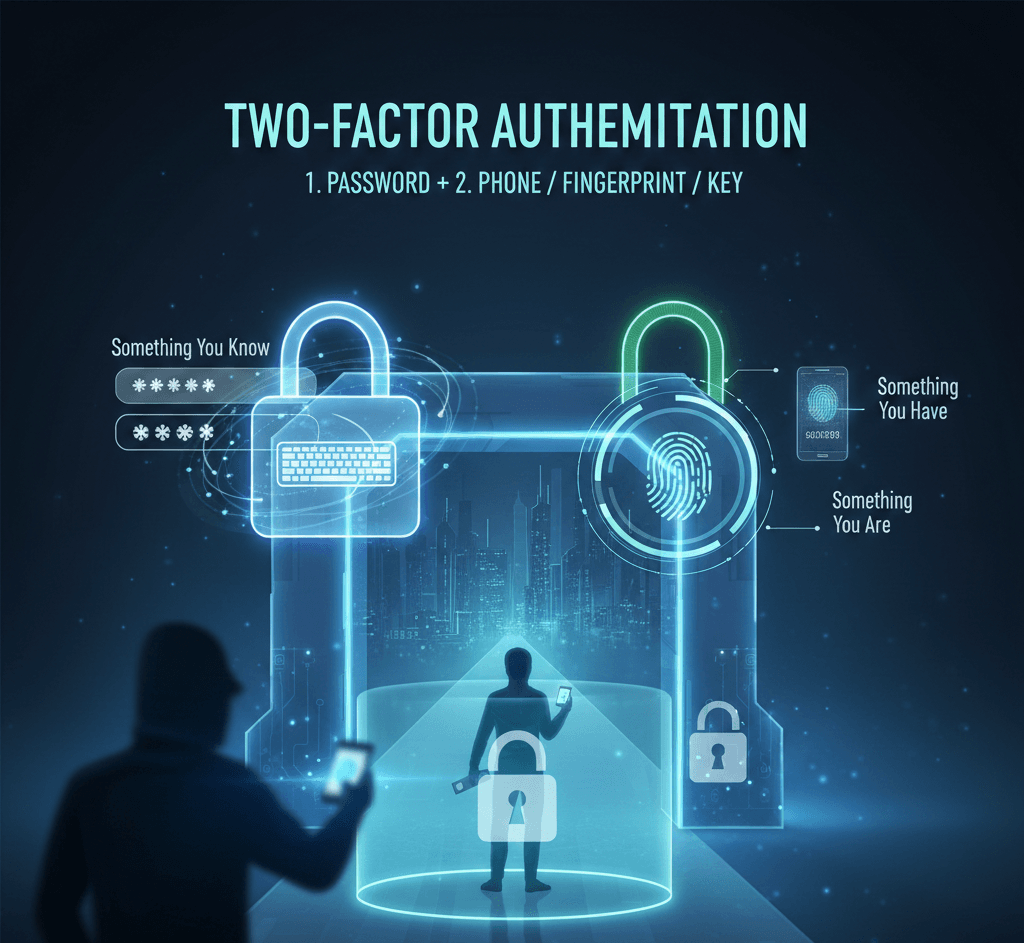
2FA relies on combining two out of three possible types of “factors” to prove your identity:
- A password, PIN, or the answer to a secret question.
- A smartphone, a physical security key (USB), or a one-time code.
- Biometrics like your fingerprint, face ID, or retina scan.
Common Types of 2FA
Not all 2FA is created equal. Here are the most common methods, ranked from “better than nothing” to “most secure“:
- SMS/Text Codes: The most common version. You receive a 6-digit code via text. It’s convenient but vulnerable to SIM swapping attacks.
- Authenticator Apps: Apps like Google Authenticator or Authy generate a new code every 30 seconds. Since it doesn’t rely on your cellular provider, it’s much more secure than SMS.
- Push Notifications: You get a prompt on your phone asking, “Is this you trying to log in?” You just tap “Yes“.
- Physical Security Keys: Small USB or NFC devices (like a YubiKey). You must physically plug the key into your device to log in. This is currently the gold standard for security.
Why Should You Care?
Password leaks happen constantly. If you use the same password for your email as you do for a random shopping site, a breach at that shop could give hackers the keys to your entire life. 2FA stops that chain reaction.
While 2FA adds an extra 10 seconds to your login process, it prevents roughly 99% of bulk phishing and automated bot attacks.