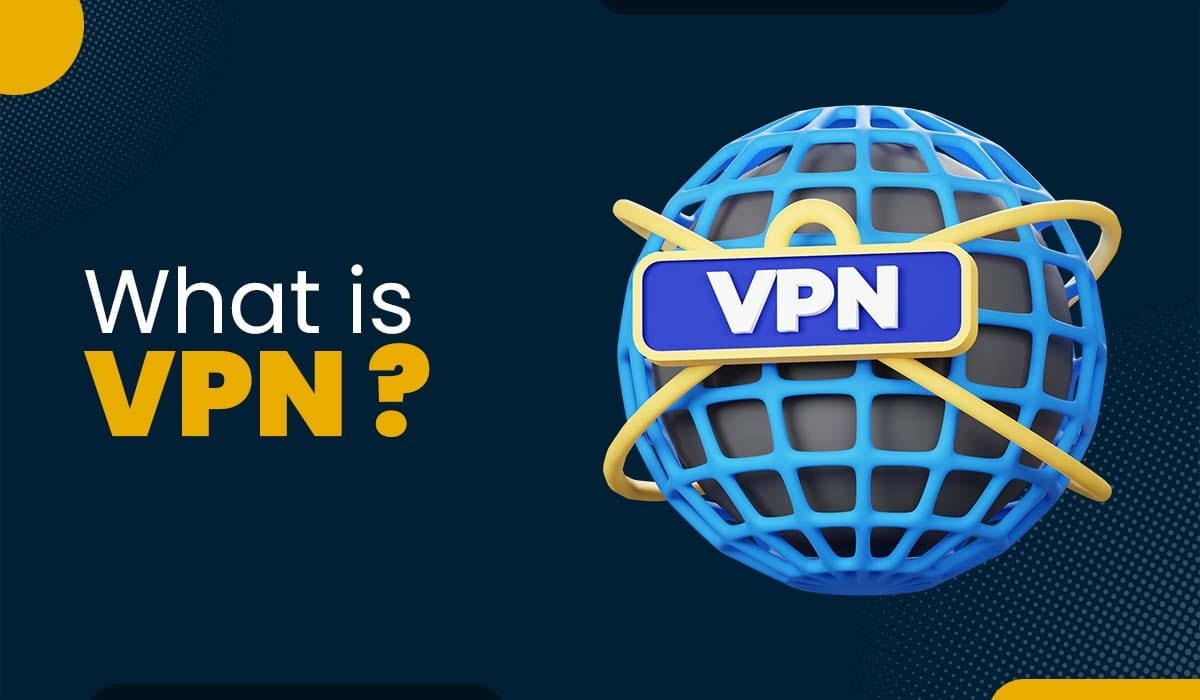
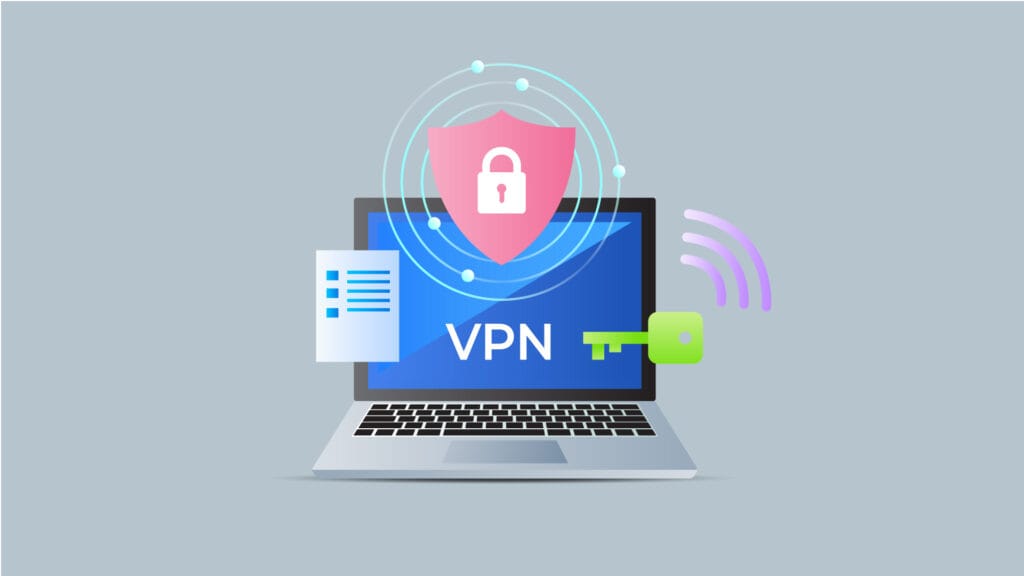
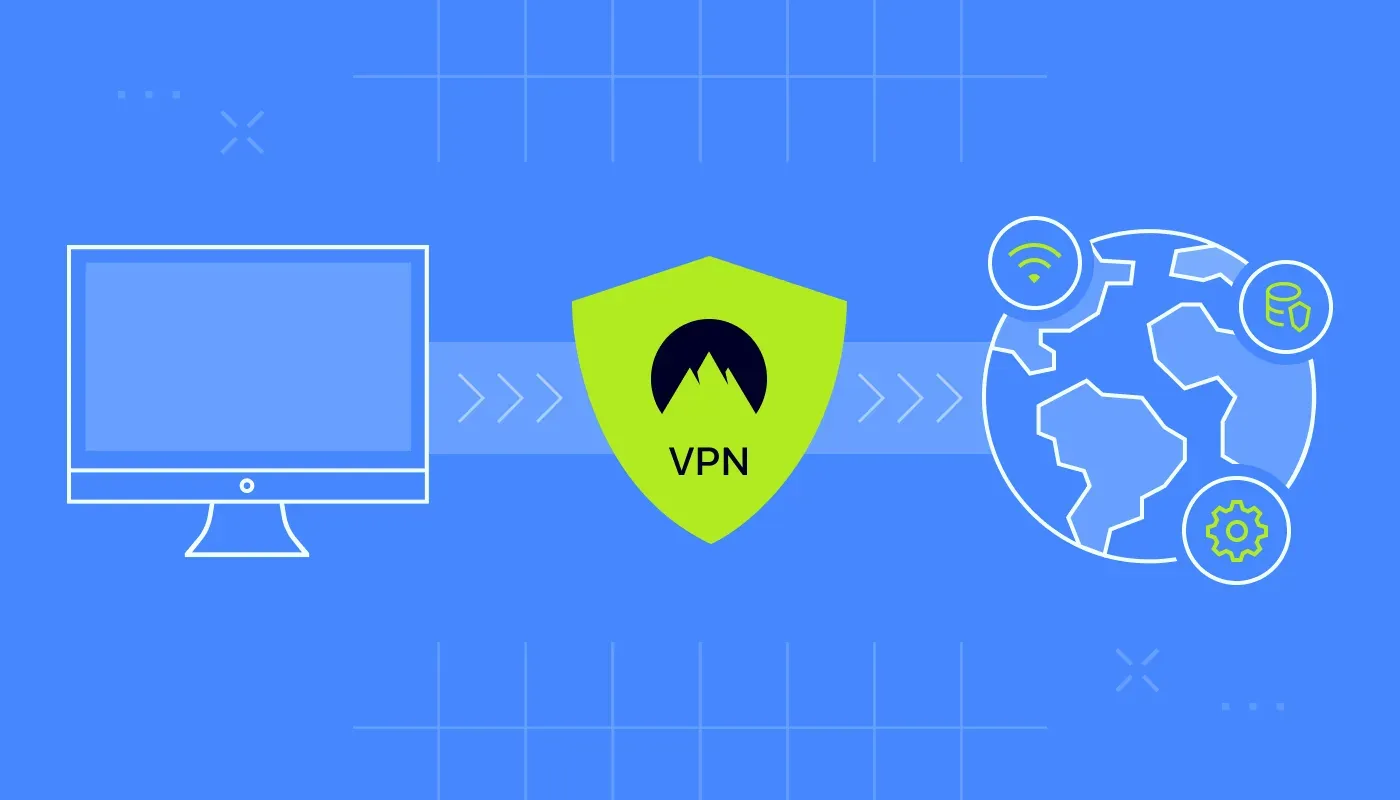
A VPN or Virtual Private Network is a service that creates a secure, encrypted connection between your device and the internet. Think of it as a private tunnel through the public highway of the internet; it hides your data from prying eyes and masks your digital location.
How a VPN Works?
When you connect to the internet without a Virtual Private Network, your data (like the websites you visit or your passwords) is sent directly from your device through your Internet Service Provider (ISP). With a VPN, the process changes:
- Encryption: Your VPN app scrambles your data into “unreadable code” before it even leaves your device.
- Tunneling: This encrypted data travels through a secure “tunnel” to a remote server owned by the Virtual Private Network provider.
- Masking: The VPN server replaces your real IP address (your digital home address) with its own.
- Decryption: The server sends your request to the website. To the website, it looks like the request came from the VPN server, not you.
Why People Use VPNs?
Using a VPN offers three main categories of benefits:
- Privacy and Anonymity: Your ISP can see that you are using a VPN, but they cannot see what websites you are visiting or what data you are sending. This prevents them from selling your browsing history to advertisers.
- Security on Public Wi-Fi: Unsecured Wi-Fi at coffee shops or airports is a playground for hackers. A Virtual Private Network ensures that even if someone “sniffs” the network, they can’t read your encrypted traffic.
- Accessing Global Content: Since you can choose a server in a different country, you can bypass “geo-blocks.” For example, you can watch shows on streaming services that are only available in the UK while sitting in the US.
A VPN is a powerful tool for privacy and data protection, but it works differently than antivirus software. It focuses on securing your connection (data in motion) rather than your files (data at rest). Here is how a Virtual Private Network helps protect your device from specific security threats and where its limits are.
Protection Against Connection-Based Attacks
The primary way a VPN secures your device is by creating an encrypted “tunnel.” This is especially critical in the following scenarios:
- Public Wi-Fi “Snooping”: On open networks (like at a cafe or airport), hackers can use “packet sniffing” to see everything you send. A VPN encrypts this data, so even if it’s intercepted, it looks like gibberish.
- Man-in-the-Middle (MITM) Attacks: An attacker might try to position themselves between your device and the website you’re visiting. A VPN’s encryption makes it nearly impossible for them to alter or read your data stream.
- Evil Twin Hotspots: Hackers often set up fake Wi-Fi networks with names like “Airport_Free_WiFi.” If you connect, they can see your traffic. A VPN protects you by ensuring that your data remains encrypted even on these malicious networks.
Built-in “Shield” Features
Many modern VPNs include extra security layers that act as a first line of defense:
- Malicious Site Blocking: Some VPNs maintain a “blacklist” of known malware-hosting websites. If you try to visit one, the VPN blocks the connection before the site can load.
- Ad and Tracker Blocking: By blocking intrusive ads, VPNs prevent “malvertising” malicious code hidden inside legitimate-looking ads that can infect your device if you click them.
- DNS Leak Protection: This ensures your device doesn’t accidentally reveal the websites you visit to your ISP or hackers through unencrypted “lookup” requests.
What a VPN Cannot Do (The Malware Gap)?
It is a common myth that a VPN is a substitute for antivirus. A VPN secures the pipe, but it doesn’t check the water inside the pipe. To keep your device truly secure, you should use both:
- VPN: To protect your privacy and hide your data from hackers on the network.
- Antivirus: To scan your files and stop malware that you might accidentally download.