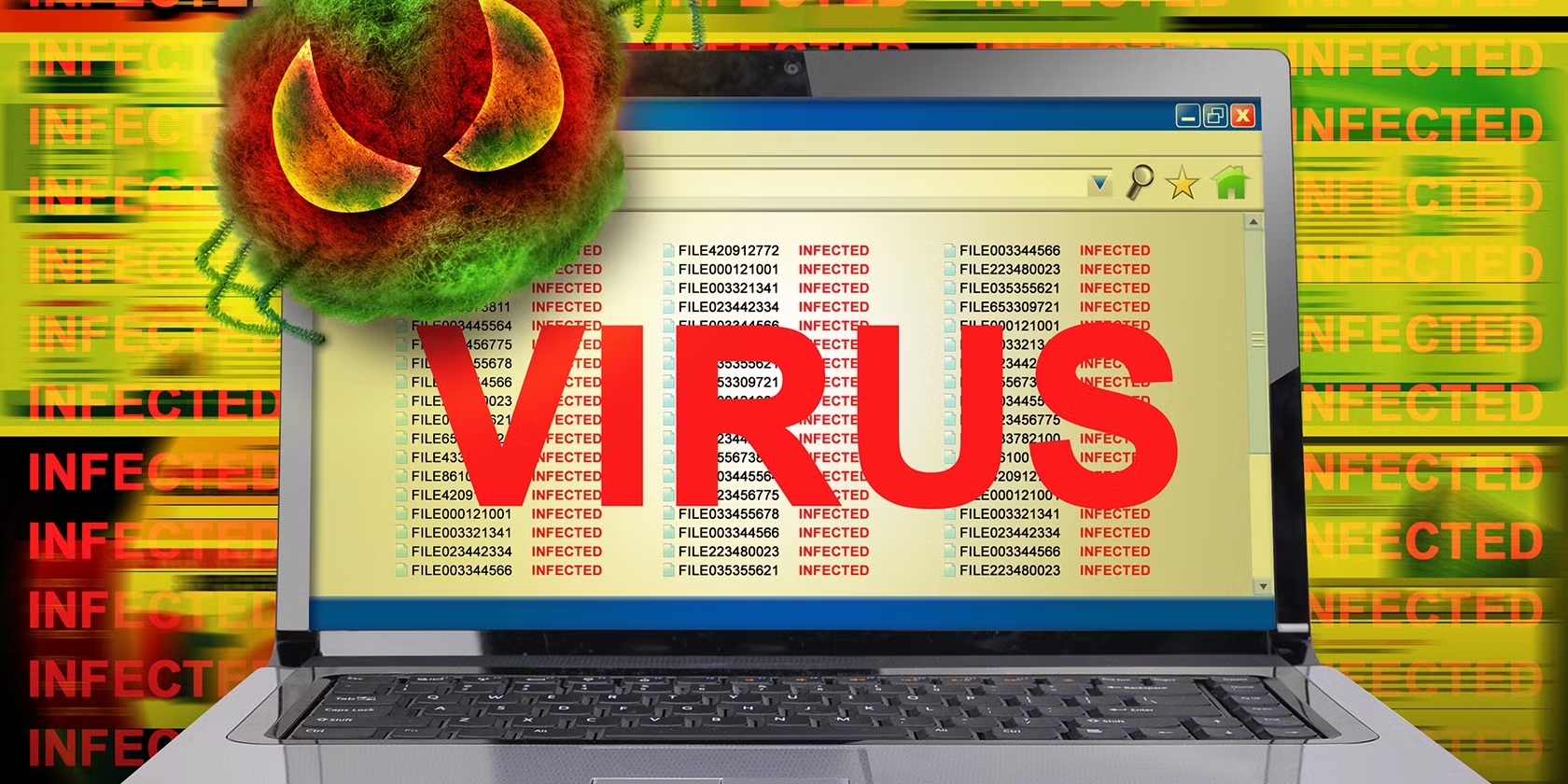
A computer virus is a type of malicious software (malware) designed to replicate itself and spread from one computer to another by “infecting” legitimate programs or files. Just like a biological virus requires a human host cell to reproduce, a computer virus requires a host program (like a Word document or an .exe file) to function and spread.
How a Virus Works?
Most computer viruses follow a specific lifecycle consisting of four stages:
- Dormant Phase: The virus sits on your computer, hidden inside a file, waiting for a specific trigger (like a certain date or the opening of a program).
- Propagation Phase: The virus starts making copies of itself, stashing them in other files or folders on your hard drive.
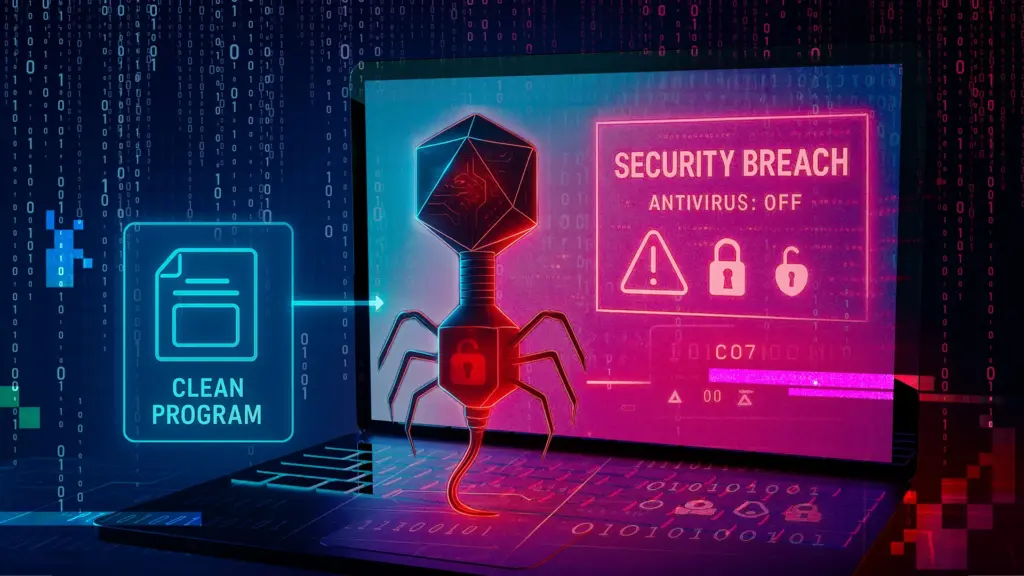
- Propagation Phase: The virus starts making copies of itself, stashing them in other files or folders on your hard drive.
- Execution Phase: The virus releases its “payload” (the actual harmful code). This is when it starts deleting files, stealing data, or slowing down your system.
Common Types of Viruses
Viruses are often categorized by how they behave and what they target:
- Boot Sector Virus: Targets the “boot” part of your hard drive, infecting the system every time you turn it on.
- Macro Virus: Hidden inside documents (like Word or Excel) that use “macros.” It triggers as soon as you open the file.
- Resident Virus: Lives in your computer’s RAM (memory), allowing it to infect any file the computer opens.
- Polymorphic Virus: A “shape-shifter” that changes its own code every time it spreads to avoid being caught by antivirus software.
- Overwrite Virus: Deletes the data in the files it infects and replaces it with its own malicious code.
How Viruses Spread?
Viruses cannot move on their own; they need human action or network connections to jump to a new device. Common “delivery vehicles” include:
- Email Attachments: The most common method. Opening a suspicious attachment can trigger an infection.
- Internet Downloads: “Free” games, movies, or software from untrusted websites often hide viruses.
- Removable Media: Plugging in an infected USB drive or external hard drive.
- Malicious Links: Clicking on “shady” ads or links on social media and websites.
Warning Signs of an Infection
If your computer is infected, you might notice:
- Sudden Slowness: Programs take forever to open.
- Pop-ups: Random ads or system warnings appear even when you aren’t browsing.
- Crashes: The “Blue Screen of Death” or frequent freezing.
- Missing Files: Documents or photos suddenly disappear or won’t open.
- Sent Emails: Friends tell you they’ve received weird emails from your account.
How to Stay Protected?
The best defense is a combination of good habits and tools:
- Install Antivirus Software: Keep it active and updated so it can recognize new threats.
- Think Before You Click: Don’t open attachments from unknown senders.
- Keep Software Updated: Updates often include “security patches” that fix the holes viruses use to get in.
- Use a Firewall: This acts as a digital guard for your internet connection.