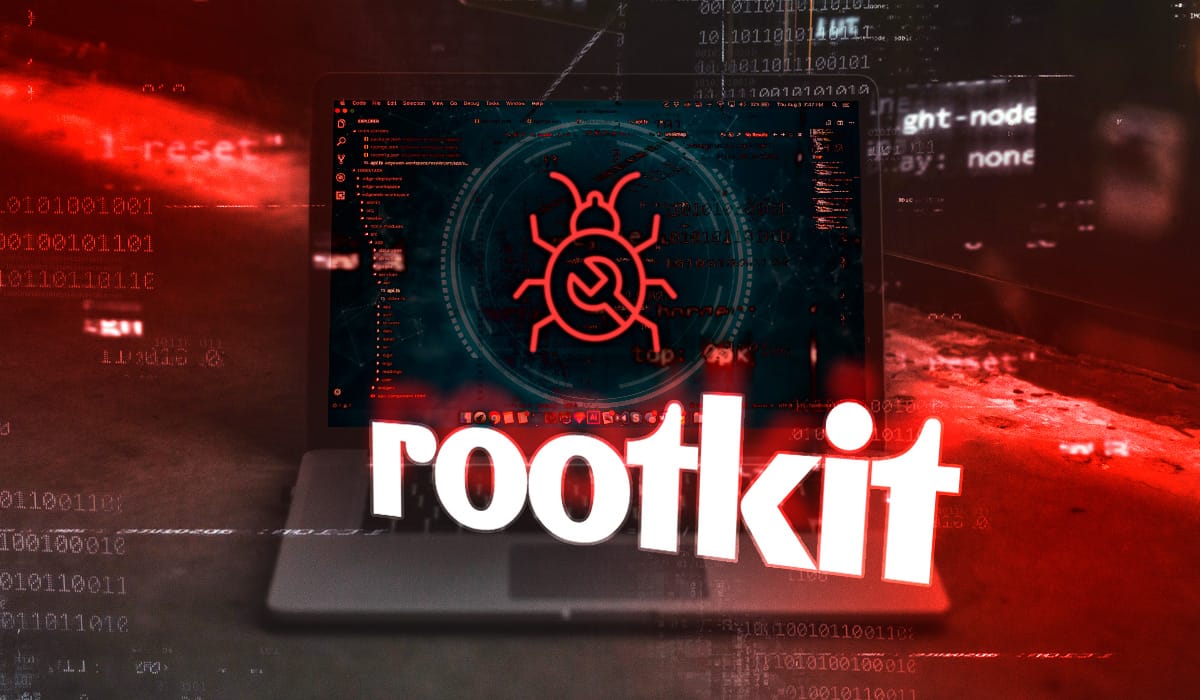
A Rootkit is a collection of malicious computer software that is designed to gain administrator-level access (“root” access) to a system while actively and aggressively hiding its presence and the presence of other malicious tools (like keyloggers or bots) from the user and security software.
How Rootkits Work?
The primary goal of a rootkit is stealth and persistence. Once installed, a rootkit can:
- Gain Privileged Access: It gives an attacker full and unrestricted control over the system. This allow them to execute files, change system configurations, and spy on activity.
- Evade Detection: It modifies the operating system’s functions to intercept and alter information. For example, if security software asks the OS for a list of running processes, the rootkit intercepts the request and removes its own processes from the list before it’s returned.
- Install Other Malware: It often acts as a delivery mechanism or a cloak for other, more harmful malware attacks.

Types of Rootkits
A rootkit’s system location determines its category, with lower levels posing greater detection challenges.
- User-Mode/Application: Easiest to detect, as they operate at the same level as many security tools.
- Kernel-Mode: Highly dangerous and they have unrestricted access and can manipulate core OS functions to completely hide.
- Bootkits: Loads before the operating system, making them persistent and difficult to remove, as security software is often not yet running.
- Firmware/Hardware: The stealthiest; they live outside the operating system and can survive a full OS re-installation.
- Hypervisor-Based: Creates a virtual layer under the original OS, effectively running the legitimate OS as a virtual machine under the attacker’s control. Extremely hard to detect.

Detection and Prevention
Rootkits are challenging to detect with traditional antivirus software because they are designed to subvert it.
- Detection: Specialized rootkit scanners or anti-rootkit tools are needed to perform deep scans of kernel memory and file structures. Behavioral analysis, which looks for suspicious system activity (like unexpected blue screens, slow performance, or strange network traffic), is also a key detection method.
- Removal: For deep infections, like kernel-mode or bootkits, a complete re-installation of the operating system is often the only reliable solution. For firmware rootkits, flashing or updating the firmware may be necessary.
- Prevention: The best defense is proactive, including:
- Keeping all software and operating systems up-to-date to patch vulnerabilities.
- Using reputable security software with real-time and behavioral detection capabilities.
- Practicing caution with emails, links, and downloading files only from trusted sources.