A SIM swapping scam (also known as “SIM splitting” or “port-out scam“) is a sophisticated form of identity theft where a fraudster takes control of your phone number by tricking your mobile carrier. Once they have your number, they can bypass two-factor authentication (2FA) to access your bank accounts, social media, and crypto wallets.
How SIM Swapping Scam Works?
The scam doesn’t require the thief to have your physical phone. Instead, they use social engineering:
- Data Gathering: The scammer collects your personal info (name, address, SSN, or birth-date) through phishing emails, social media, or data breaches.
- The “Swap”: The scammer contacts your mobile provider pretending to be you. They claim they lost their phone or have a damaged SIM card and ask the agent to “port” the number to a new SIM card in their possession.
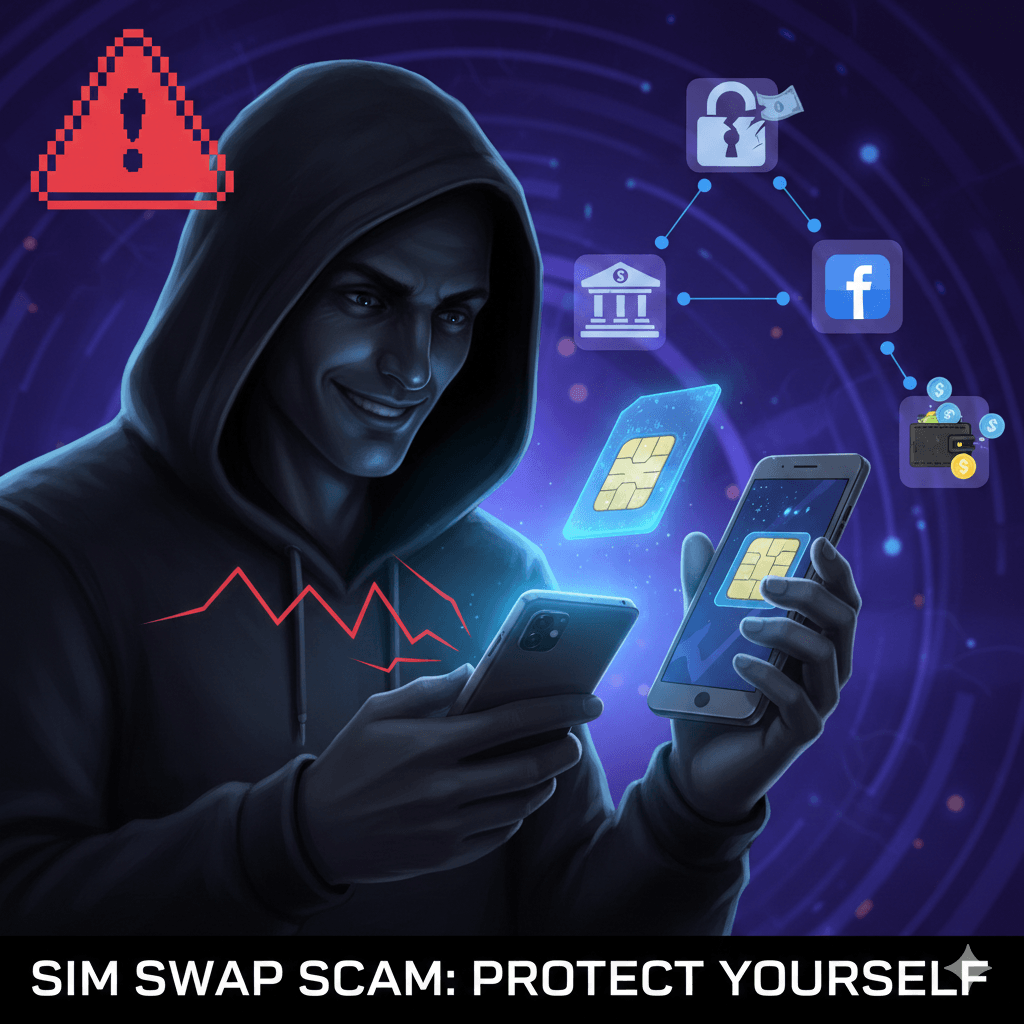
- The Takeover: Once the carrier makes the switch, your phone loses all signal. The scammer now receives all your calls and, more importantly, your SMS verification codes.
- The Drain: They use “Forgot Password” prompts on your accounts. Since the 2FA codes go to their phone, they can change your passwords and lock you out in minutes.
Warning Signs of a Sim Swap Scam
- Total Loss of Service: You suddenly have “No Service” or “SOS Only” even in areas with great reception.
- Strange Notifications: You receive a text from your carrier saying your SIM card or PIN has been updated (when you didn’t request it).
- Login Alerts: You get emails about password changes for accounts you haven’t touched.
How to Protect Yourself?
Relying on SMS for security is increasingly risky. Here is how to beef up your defenses:
- Carrier PIN: Call your provider and set a “Port-Out PIN” or “Transfer Freeze“.
- Authenticator Apps: Use apps like Google Authenticator or Authy instead of SMS codes.
- Security Keys: Use a physical hardware key (like a YubiKey) for sensitive accounts.
- Digital Hygiene: Avoid sharing your phone number or birth-date publicly on social media.
If your phone suddenly says “No Service” and stays that way, call your mobile provider immediately from a different phone to check for unauthorized changes.