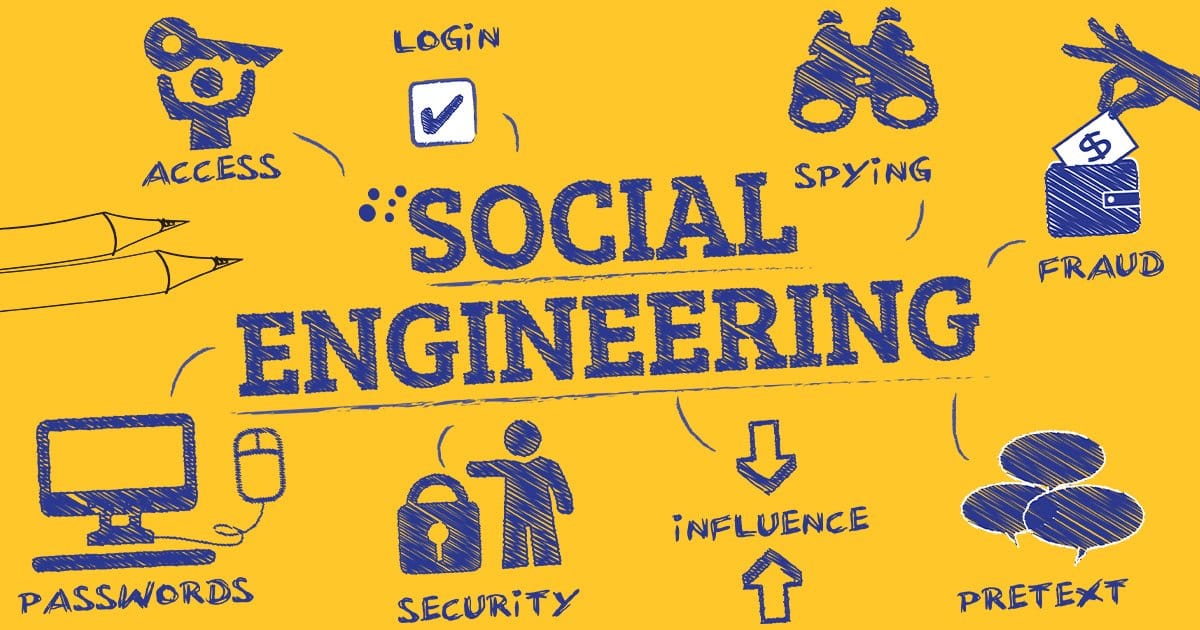
In cybersecurity, social engineering is the art of manipulating people into giving up confidential information or performing actions that compromise security. Unlike traditional “hacking,” which looks for weaknesses in software or hardware, social engineering targets the “human element.” It is often called “human hacking” because it exploits psychological triggers like trust, fear, curiosity, or urgency rather than technical vulnerabilities.
How It Works: The Lifecycle
Social engineering attacks usually follow a four-step cycle:
- Investigation: Identifying the victim and gathering background info (social media, company structure).
- Hooking: Engaging the victim and spinning a story to establish trust.
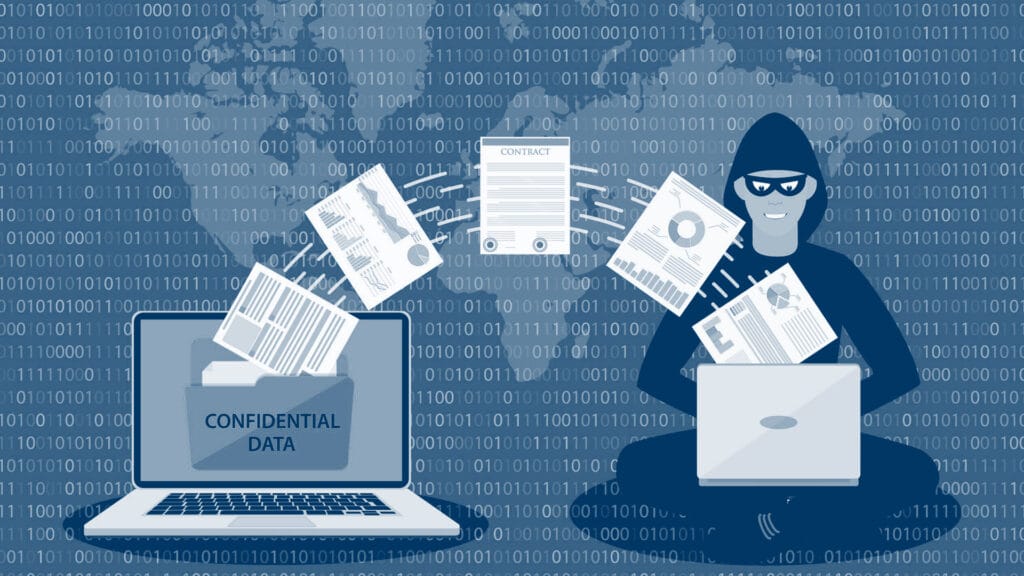
- Exploitation: Manipulating the victim into revealing info (passwords, bank details) or installing malware.
- Exit: Ending the interaction without leaving a trace.
Common Types of Attacks
Social engineering can happen via email, phone, or even in person.
- Phishing using deceptive emails or texts: An email from “your bank” asking you to reset your password via a fake link.
- Pretexting by creating a fabricated scenario: An attacker calls pretending to be IT and asks for your credentials to “fix a server issue“.
- Baiting by luring victims with a promise: Leaving a malware-infected USB drive labeled “Executive Salaries” in a parking lot.
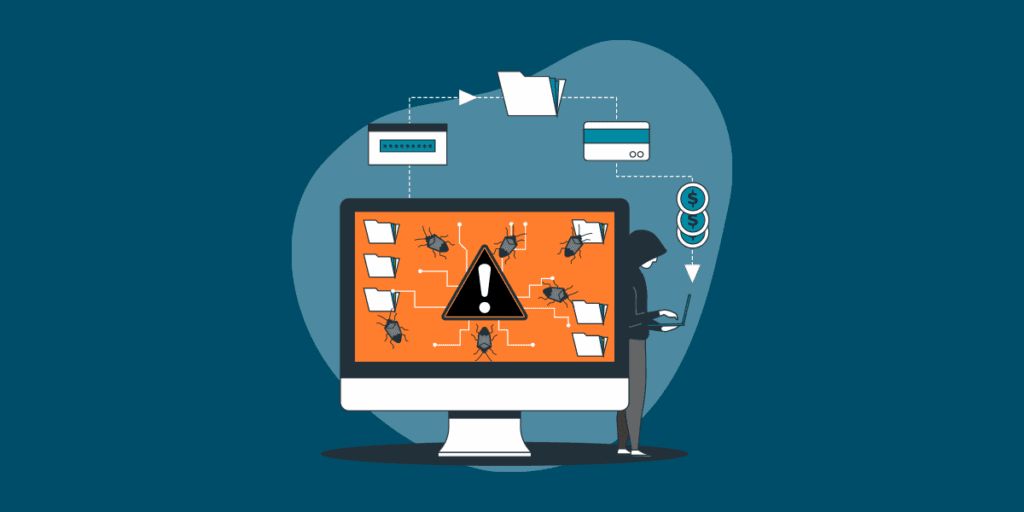
- Quid Pro Quo by offering a service for info: A “tech support” person offers to speed up your PC if you disable your antivirus.
- Tailgating by physical following: An unauthorized person follows an employee into a secure building by holding the door.
5 Red Flags to Watch For
To protect yourself, stay alert for these “psychological triggers“:
- Sense of Urgency: Act now or your account will be deleted!
- Too Good to Be True: You’ve won a $1,000 gift card just click here.
- Request for Sensitive Info: Legitimate companies (banks, government) will almost never ask for your password via email.
- Unusual Senders: Check the email address carefully (e.g., support@micros0ft.com instead of @microsoft.com).
- High-Pressure Scenarios: Using fear (IRS threats) or flattery to make you bypass normal security rules.
If you receive a suspicious request, stop and verify. Contact the person or company through a known, official channel (like their public phone number) instead of clicking the link they sent you.