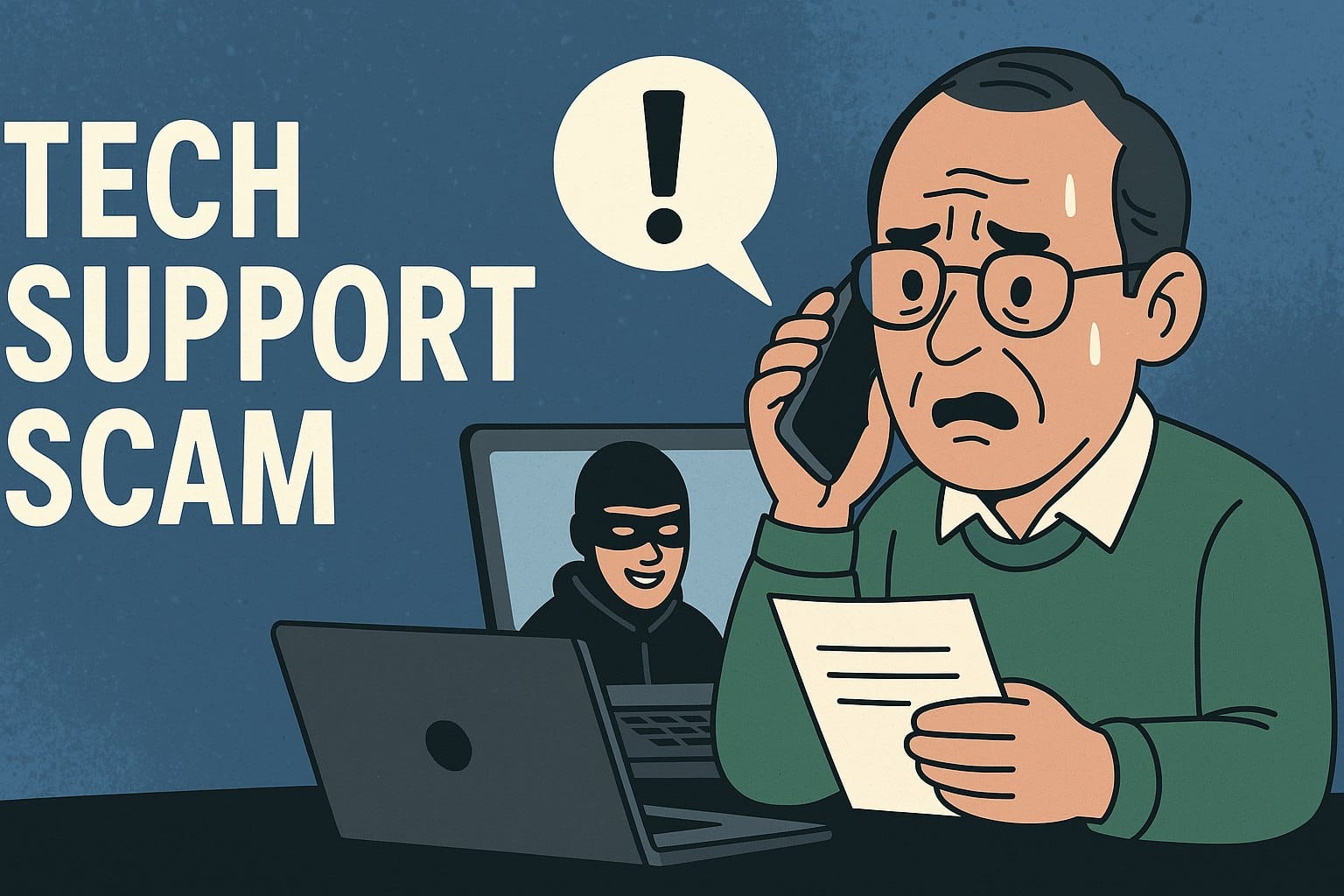
A Tech Support Scam is a type of fraud where a criminal pretends to be a legitimate technical support representative from a well-known company (like Microsoft, Apple, or a security software provider) to trick victims into paying for unnecessary services or granting remote access to their computer. The scammers’ main goal is to steal money or personal/financial information.
How Tech Support Scams Work?
The scams typically follow a pattern involving three main stages:
Initiation (Getting Your Attention)
Scammers reach out to you through unsolicited contact, creating a sense of panic. This can happen via
- Unsolicited Phone Calls: A person calls you out of the blue, claiming to be from a major tech company and stating that they have detected a virus or serious problem on your computer.
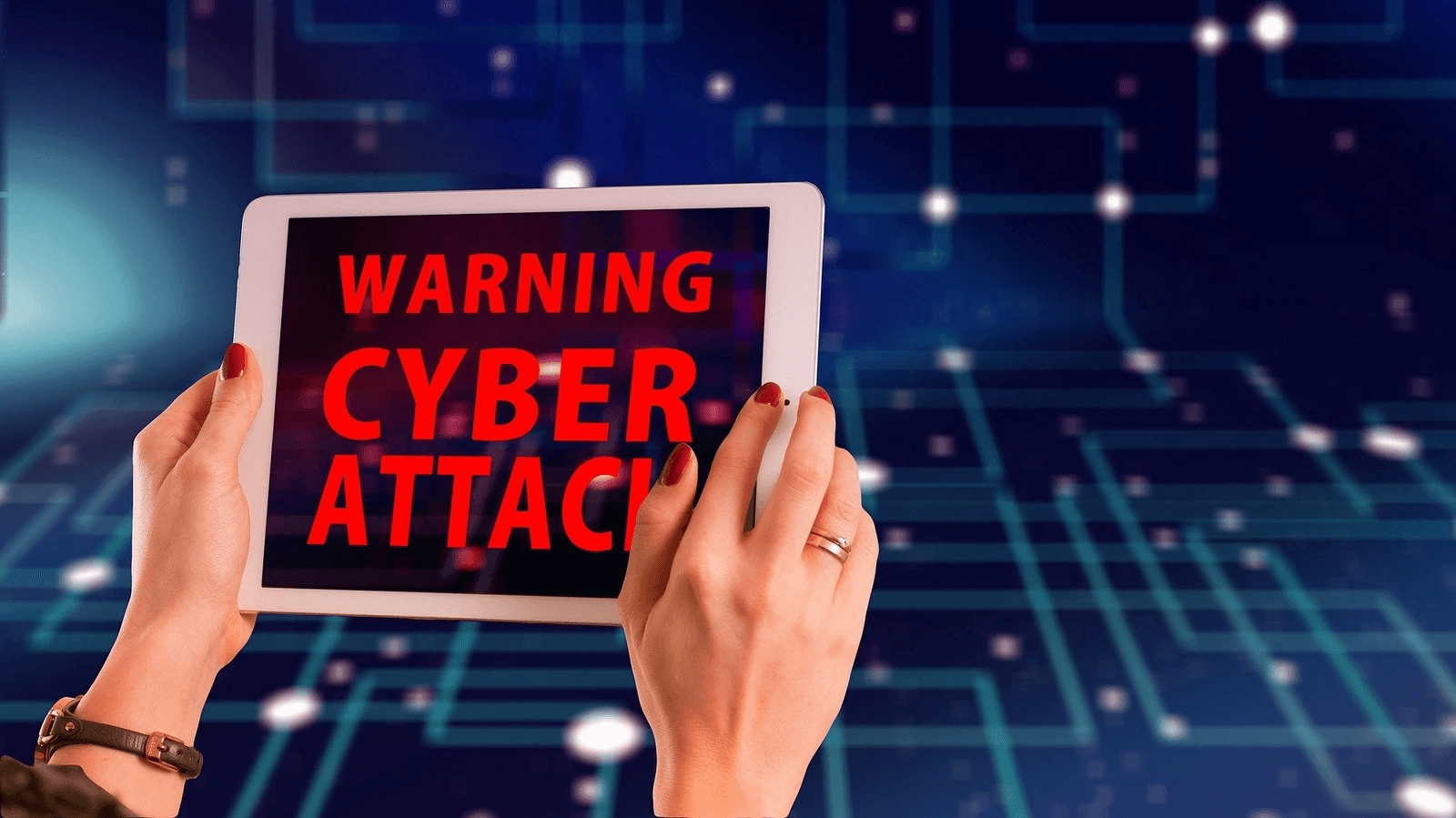
- Fake Pop-ups: While browsing the internet, an alarming pop-up warning appears on your screen (sometimes freezing your browser). It displays a scary message, like “Critical Virus Detected,” and instructs you to call a specific phone number immediately for help.
- Fake Search Results/Ads: Scammers create websites or run ads that appear high in search results when people look for technical support for a common product.

Deception (Building Trust and Fear)
Once you are on the phone with the scammer, they employ “social engineering” tactics:
- Posing as Experts: They use technical jargon and often instruct you to open legitimate but complex system tools (like the Windows Event Viewer). They then misrepresent normal warnings and log entries as definitive proof of a serious hack or virus.
- Gaining Access: They pressure you to download software (such as TeamViewer or AnyDesk) that gives them remote access to your computer. With this access, they can dig for personal data, install malware, or simply move the mouse around to make it look like they are “fixing” a problem.
- Creating Urgency: They insist that you must act fast or your data will be corrupted, your bank accounts will be drained, or your computer will be destroyed.
Payment and Theft (The Payoff)
Finally, they demand payment for the fake service or software:
- Unconventional Payment: They often insist on payment methods that are hard to trace or reverse, such as gift cards, wire transfers, cryptocurrency, or payment apps.
- Information Theft: If they have remote access, they can steal banking credentials, passwords, social security numbers, and other sensitive personal information, which can lead to identity theft.

How to Protect Yourself?
The most important rule is to never trust unsolicited contact regarding your computer’s health.
- Legitimate tech companies will not contact you out of the blue by phone, email, or pop-up message to tell you your computer is infected.
- Real security pop-up warnings will never ask you to call a phone number.
- Never grant remote access to your device to someone who contacts you unexpectedly.
- If you are concerned about a warning, hang up or ignore the pop-up. Contact the company directly using an official phone number or website you look up yourself (not one provided by the caller or the pop-up).
- Never pay for technical support services using gift cards or wire transfers.
Would you like tips on what to do if you suspect you have already fallen victim to a tech support scam?