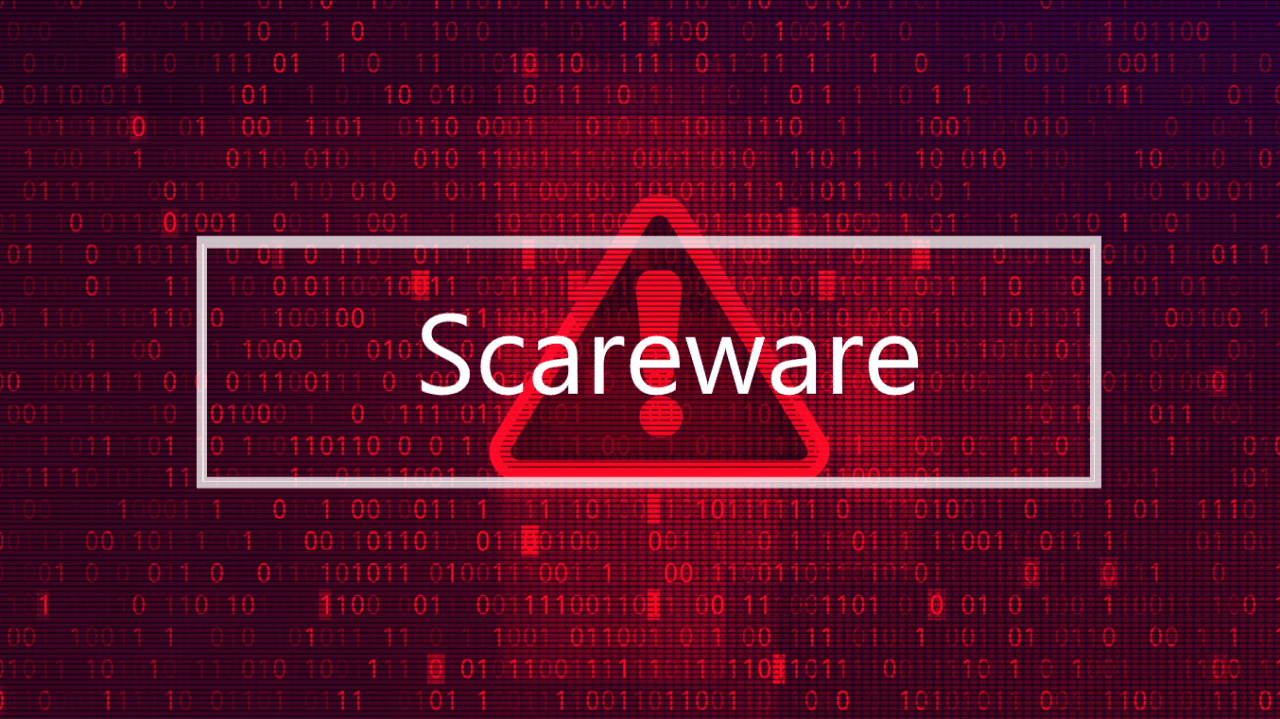
Scareware is a type of malicious software (malware) or deceptive tactic. It uses social engineering to trick or frighten users into taking an immediate, harmful action.
The goal of scareware is to manipulate the users, usually by making them believe their device is in imminent danger. Scareware then encourage them to download fake software, visit an infected website, or pay for a bogus fix.
How Does Scareware Work?
Scareware relies on creating a sense of fear and urgency to bypass a user’s critical thinking. The process typically involves:
- Deceptive Alert: The attack often begins with an alarming notification, most commonly a persistent pop-up window. It can also begin through spam emails or fake tech support calls. These alerts often mimic legitimate security warnings from well-known companies.
- False Threat: The message falsely claims that your computer or mobile device is severely infected with viruses, spyware, or other harmful content. It may even display a fake “scan” result showing hundreds of threats.
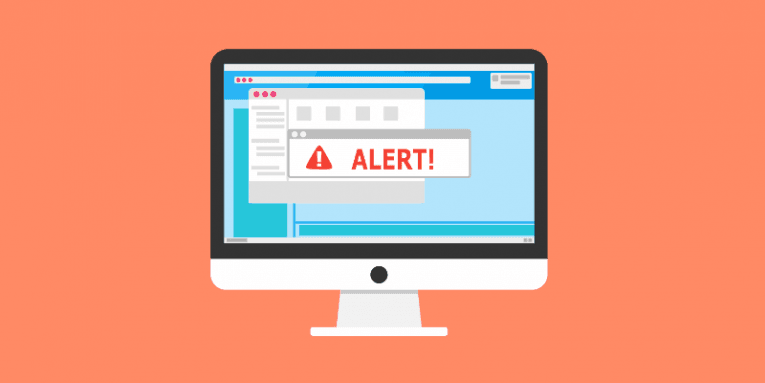
- The “Solution”: The alert urges the user to take immediate action, such as clicking a link to download “antivirus software” to remove the threat, or calling a “technical support” number.
- Infection/Loss: When the user complies (often in a panic), one of several negative things can happen:
- Malware Installation: The downloaded “fix” is actually malicious software (like a Trojan, spyware, or ransomware) that can steal data or further damage the device.
- Financial Loss: The user is tricked into paying for a useless or non-existent service/software, giving the scammer their credit card information.
- Identity Theft: Providing personal or financial data to the scammer.
Key Signs of Scareware
You can often spot scareware by looking for the following indicators:
- Urgent, Threatening Language: Messages use capital letters, excessive exclamation points, and phrases like “Immediate Action Required!” or “Your data will be lost!“
- Unexpected Pop-ups: You see a sudden flood of warnings or a pop-up that’s difficult to close. Sometimes, clicking the “X” or “Cancel” button still initiates a download.

- Unsolicited Scans: A program you didn’t install or initiate suddenly runs a “scan” and immediately finds a large number of critical problems.
- Requests for Immediate Payment: Genuine security companies rarely demand credit card information directly through a pop-up for an immediate fix.