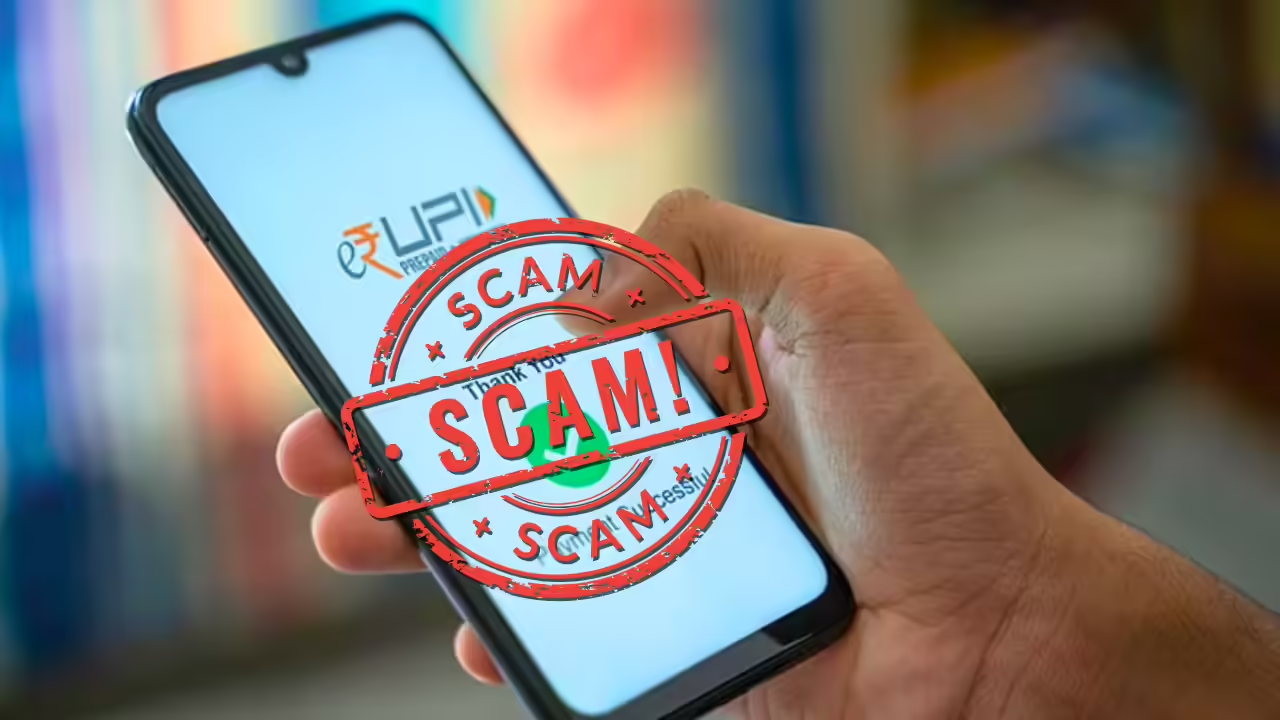
A UPI or Unified Payments Interface scam is a type of digital fraud where scammers trick you into transferring money or revealing sensitive banking details through the UPI system. Because UPI allows for instant, irreversible transfers, it has become a favorite tool for fraudsters. UPI scam usually relies on social engineering tricking you into doing something you wouldn’t normally do, like entering your PIN to “receive” money.
Common Types of UPI Scams
Scammers are constantly evolving, but most frauds fall into these categories:
- The “Request Money” Scam: This is the most common. A scammer sends you a “Collect Request” on your UPI app (like Google Pay or PhonePe) disguised as a “Refund” or “Cashback.” If you click “Approve” and enter your PIN, money is debited from your account rather than credited to it.
- QR Code Fraud: A scammer sends you a QR code via WhatsApp or email, claiming you need to scan it to receive a prize or payment for something you’re selling. Remember: You never need to scan a QR code or enter a PIN to receive money.
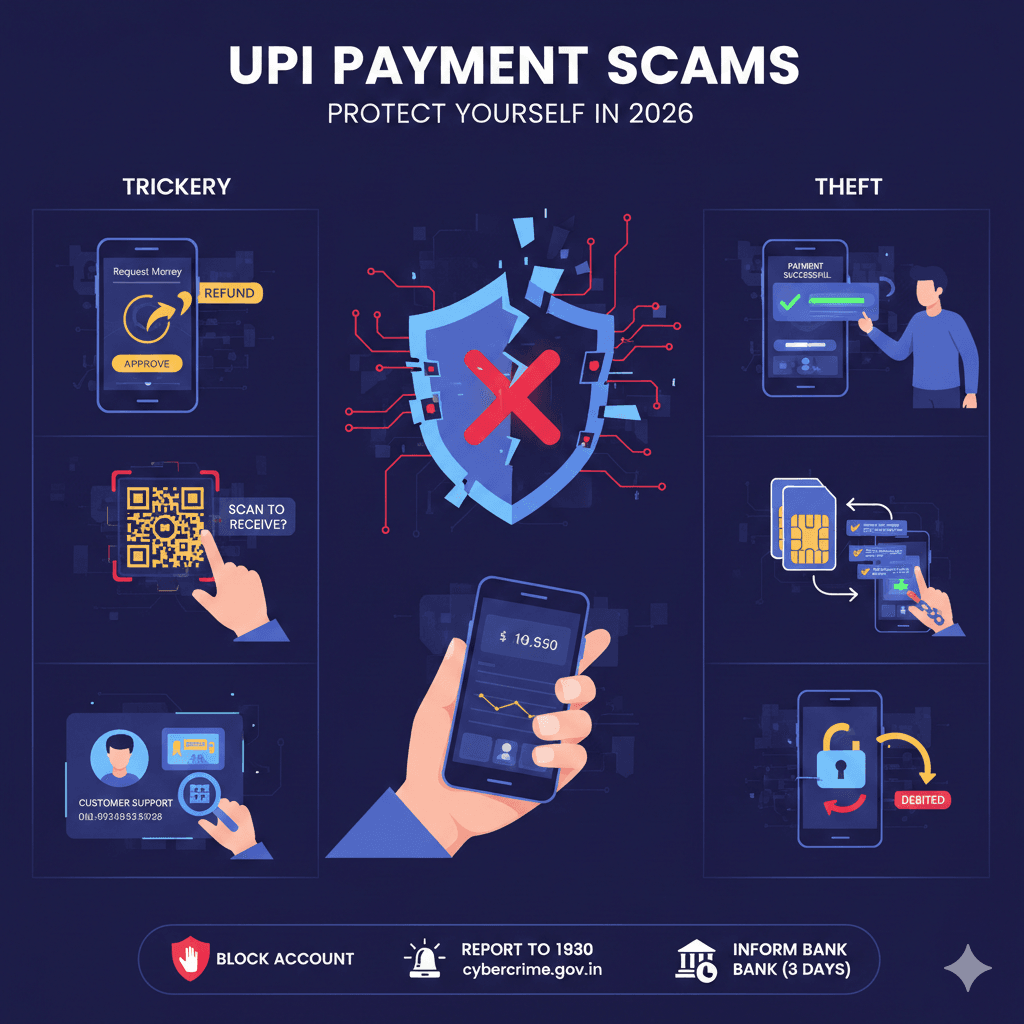
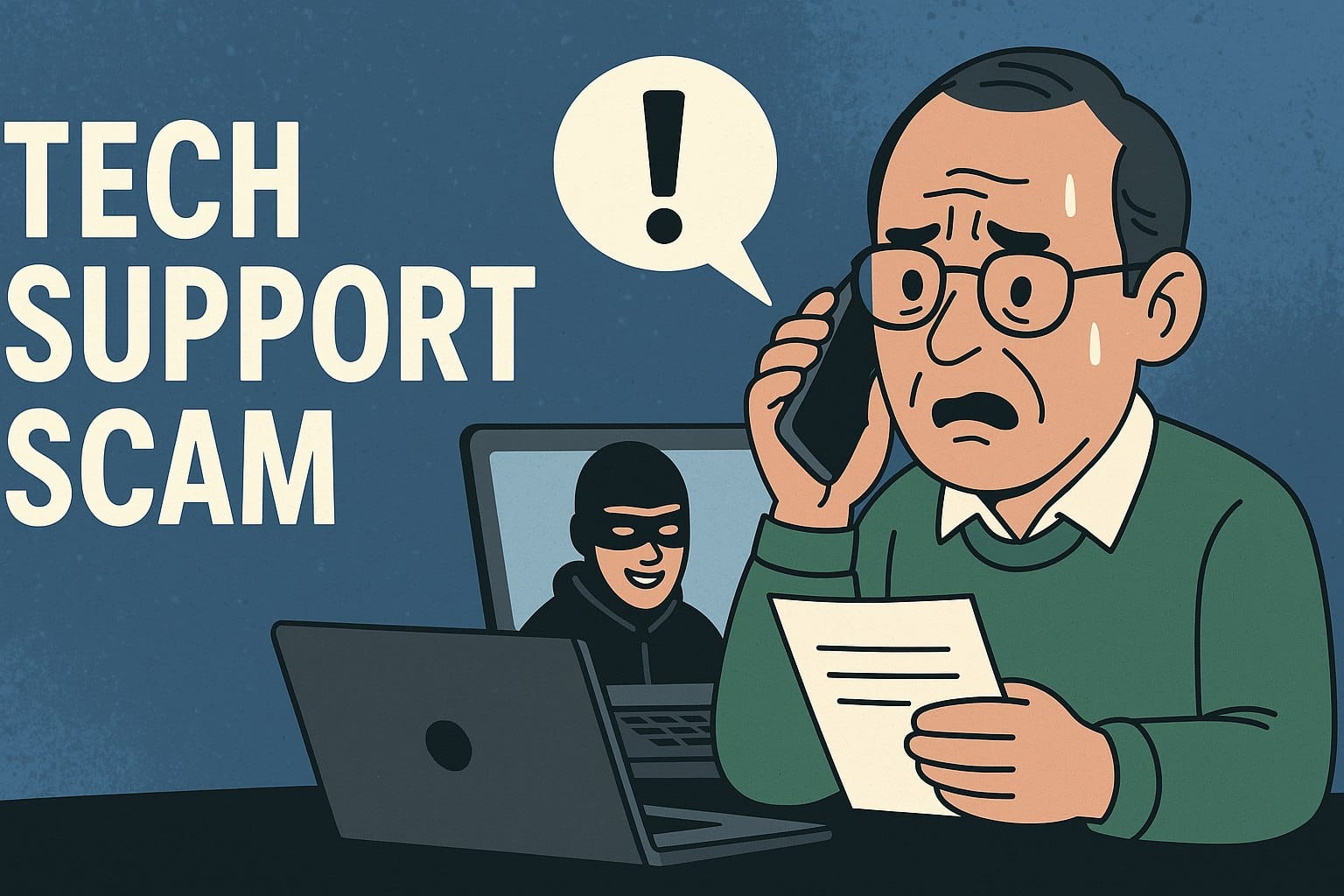
- Fake Customer Support: Fraudsters post fake helpline numbers on Google or social media. When you call for help with a failed transaction, they ask you to download “screen-sharing” apps (like AnyDesk or TeamViewer) to “help” you. Once installed, they can see your PIN as you type it and take over your phone.
- Fake Payment Screenshots: Often used against shopkeepers or online sellers. The scammer shows a professional-looking (but doctored) screenshot of a “Successful Payment“. In reality, no money has been sent.
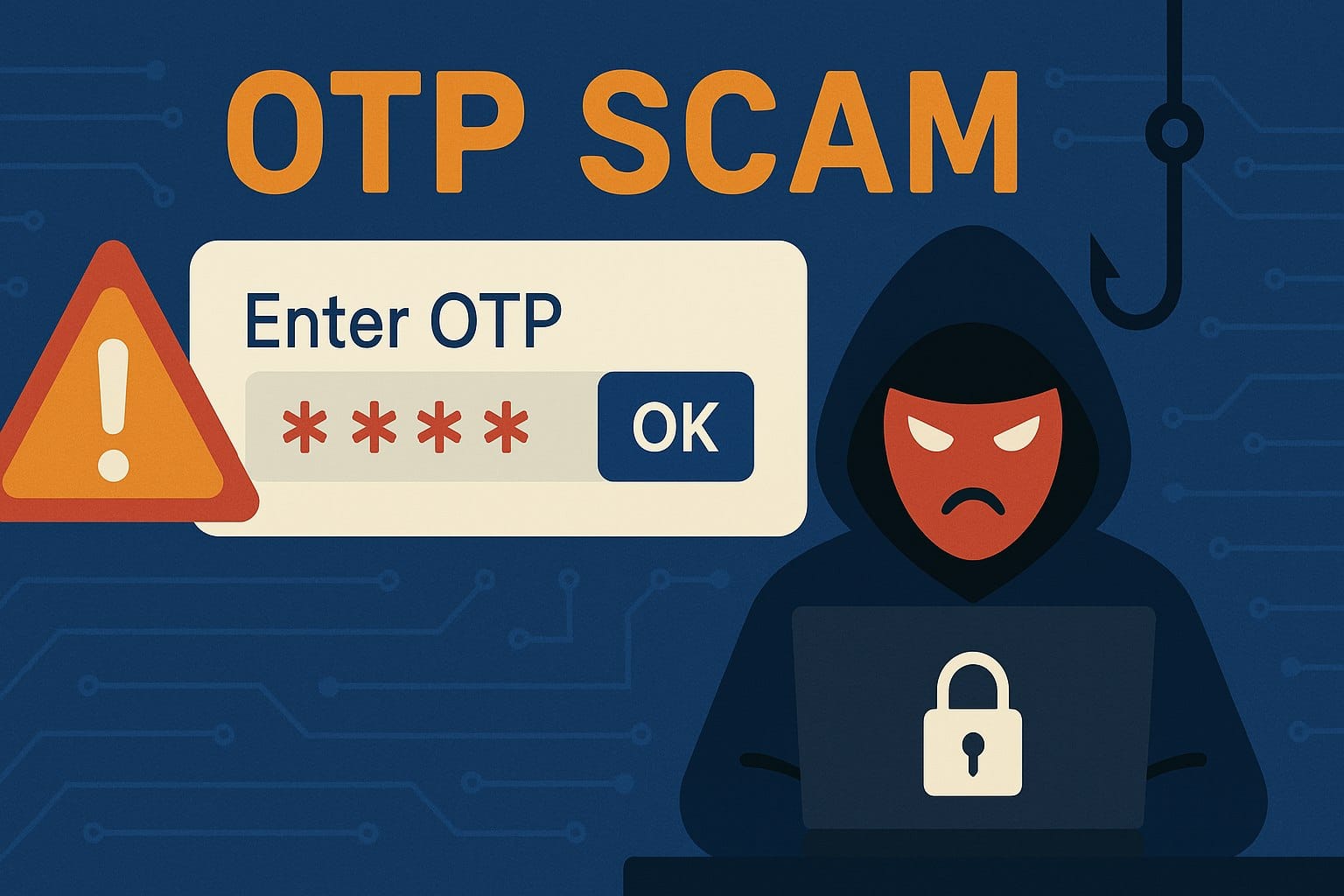
- SIM Swap/Cloning: Scammers trick you into sharing details that allow them to clone your SIM card. They then use the cloned SIM to receive OTPs and gain full access to your UPI-linked bank account.
How to Protect Yourself?
To stay safe in 2026, follow these golden rules:
- PIN is for Sending: You only enter your UPI PIN to send money or check your balance. Never to receive it.
- Verify the Name: Before hitting “Pay“, always look at the name that appears on the UPI app. It often differs from the scammer’s display name.
- No Screen Sharing: Never download apps like AnyDesk or RustDesk on the advice of a stranger.
- Check Your Balance: Don’t trust SMS notifications or screenshots. Always open your bank app to confirm the money is actually there.
What To Do If You’ve Been Scammed?
If you realize you’ve been targeted, speed is critical:
- Block Your Account: Immediately block your UPI ID and bank account through your bank’s official app or helpline.
- Report to 1930: Call the national cybercrime helpline (1930) or visit National Cyber Crime Reporting Portal.
- Inform Your Bank: Report the unauthorized transaction to your bank within 3 days to increase your chances of a refund under RBI guidelines.