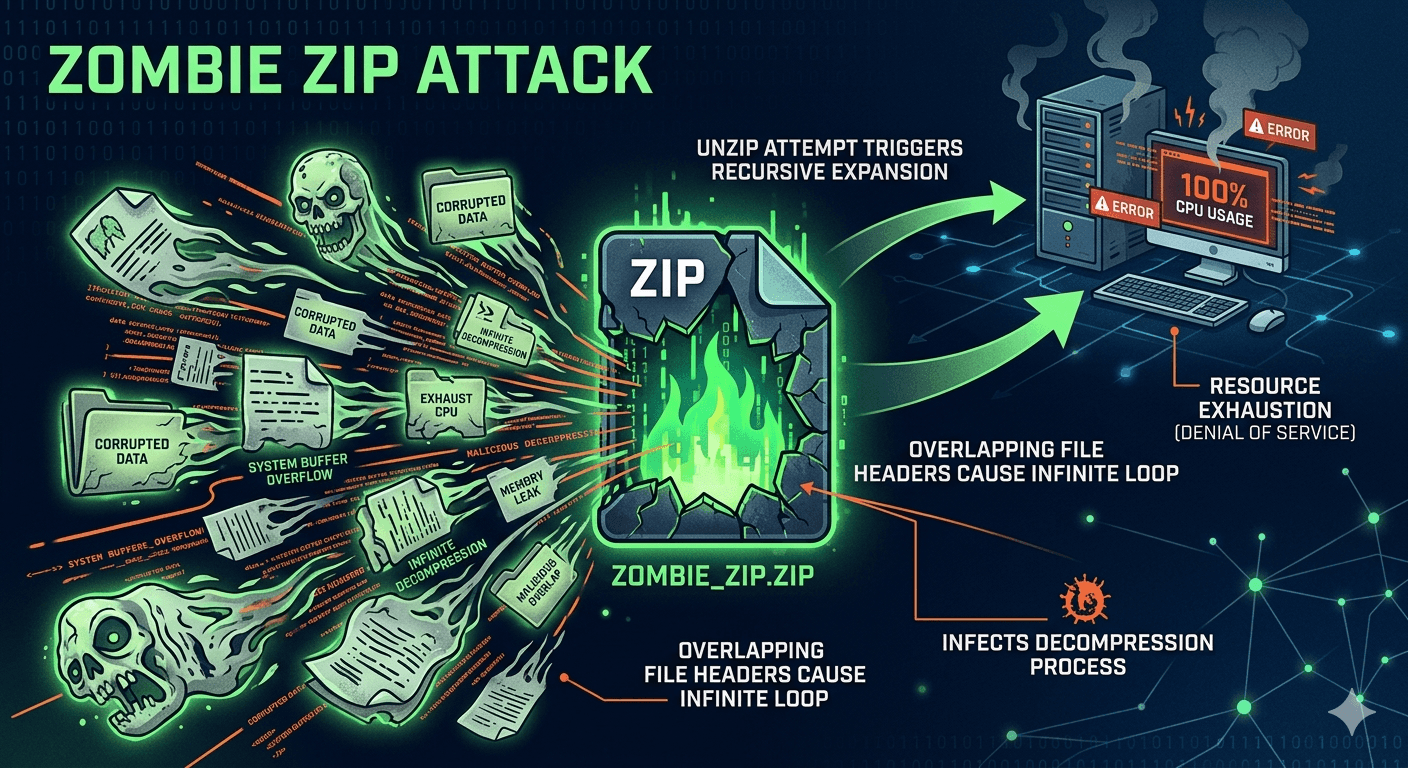
A Zombie Zip Attack is a sophisticated variation of a Zip Bomb (or Decompression Bomb) designed to crash a system or exhaust its resources. While a traditional zip bomb is a static file that expands to an enormous size when opened, a Zombie Zip Attack is more dynamic and deceptive.
How Zombie Zip Attack Works?
The attack exploits the way file headers and compression algorithms (like DEFLATE) function. In a typical scenario:
- Nested Trap: The archive contains files that appear small but feature extremely high compression ratios.
- Overlap Technique: Attackers overlap files within the archive. By manipulating the Central Directory of the ZIP file, they can make multiple file entries point to the same compressed data kernels.
- Recursive Expansion: When an antivirus scanner or a user attempts to unzip the file, the extraction process begins. Because of the overlapping pointers, the decompressor reads the same data repeatedly, creating an exponential explosion of data.
Why is It Called Zombie?
The Zombie moniker comes from the file’s behavior during security scans:
- Resurrection: Even if a security tool identifies and kills one part of the file, the overlapping structure means the malicious payload effectively comes back to life as the extractor moves to the next header pointing to the same data.

- Infinite Loops: In some versions, the headers create a recursive loop, forcing the decompression software to work indefinitely until it consumes the system’s RAM or disk space.
Impact of Zombie Zip Attack
- System Crash: The most common result is a complete system hang or “Blue Screen of Death” as the CPU and RAM hit 100% usage.
- Security Bypass: By keeping the system’s security software busy decompressing the “Zombie” file, attackers can sometimes slip other malware past the distracted or frozen scanner.
- Storage Exhaustion: A file as small as 10 KB can theoretically expand into hundreds of terabytes of junk data, filling a server’s hard drive instantly.
How to Stay Protected?
Most modern operating systems and high-end antivirus programs have “zip bomb protection” that detects these overlapping headers or sets a limit on decompression ratios (e.g., if a file expands more than 100x its size, the process is killed). To stay safe:
- Avoid downloading unsolicited archives from unknown sources.
- Use updated extraction tools (like 7-Zip or WinRAR) which have better logic for handling malformed headers.
- Set quotas on servers that automatically process user-uploaded compressed files.