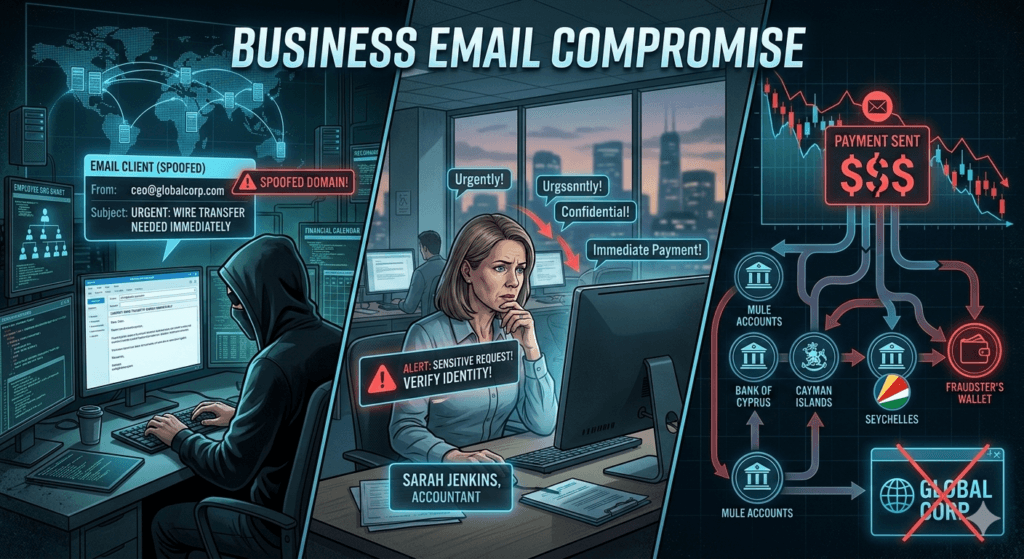
Business Email Compromise or BEC scam is a sophisticated form of cyber-enabled fraud where an attacker gains access to a business email account. Scammer then imitates the owner’s identity to defraud the company, its employees, or its partners. Unlike traditional phishing, BEC is highly targeted and relies heavily on social engineering rather than malware.
How a BEC Scam Works?
The attack usually follows a specific lifecycle:
- Identification: Attackers research a target company using LinkedIn, company websites, and social media to identify executives or employees in finance/HR.
- Grooming: The attacker creates a spoofed email address or hacks into a legitimate account. They may monitor threads for weeks to learn the voice and tone of the person they are impersonating.
- The Sting: The attacker sends a high-pressure email requesting an urgent wire transfer, a change in payroll details, or a sensitive file.
- Disbursement: Once the victim sends the funds to the new account, the attacker quickly moves the money through several mule accounts. This makes it nearly impossible to recover the transferred money.
Common Types of BEC
- CEO Fraud: Attacker poses as the CEO and pressures a finance department employee to make an urgent confidential payment.
- Invoice Schemes: Attacker impersonates a known vendor and informs the company that their bank details have changed. He then ask the company to direct all future payments to a fraudulent account.
- Attorney Impersonation: Posing as a lawyer, the attacker demands payment for a sensitive or legal matter, often late in the business day to prevent verification.
- Payroll Diversion: An attacker poses as an employee and asks the HR or payroll department to update their direct deposit information to a new account.
Why It is So Effective?
- No Red Flags: Standard antivirus software rarely flags BEC emails because they seldom contain malicious links or attachments.
- Urgency: They use phrases like “Immediate action required” or “While I’m in this meeting” to discourage the victim from double-checking.
- Personalization: The emails often reference real projects, colleagues, or upcoming events, making them appear incredibly authentic.
Red Flags to Watch For
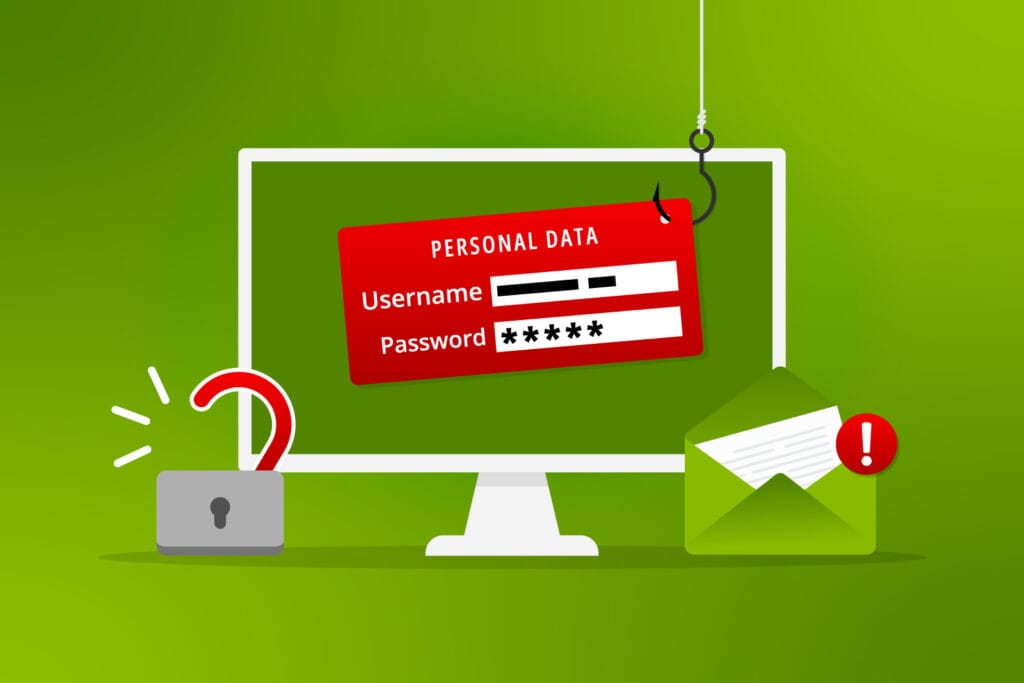
- Slightly Altered Domains: For example, receiving an email from name@compaany.com instead of name@company.com
- Grammar/Tone Shifts: A sudden change in how a colleague normally writes.
- Secrecy: Instructions to keep the transaction private or “off the books“.
Pro Tip: Always verify any request for a change in payment info via a separate communication channel, such as a phone call or a new, separate email thread.